The Problem
This feature lets you convert ODS spreadsheet files into PDF documents quickly. It helps you share and archive spreadsheets in a consistent, widely viewable format without requiring recipients to use spreadsheet software.
Screenshots

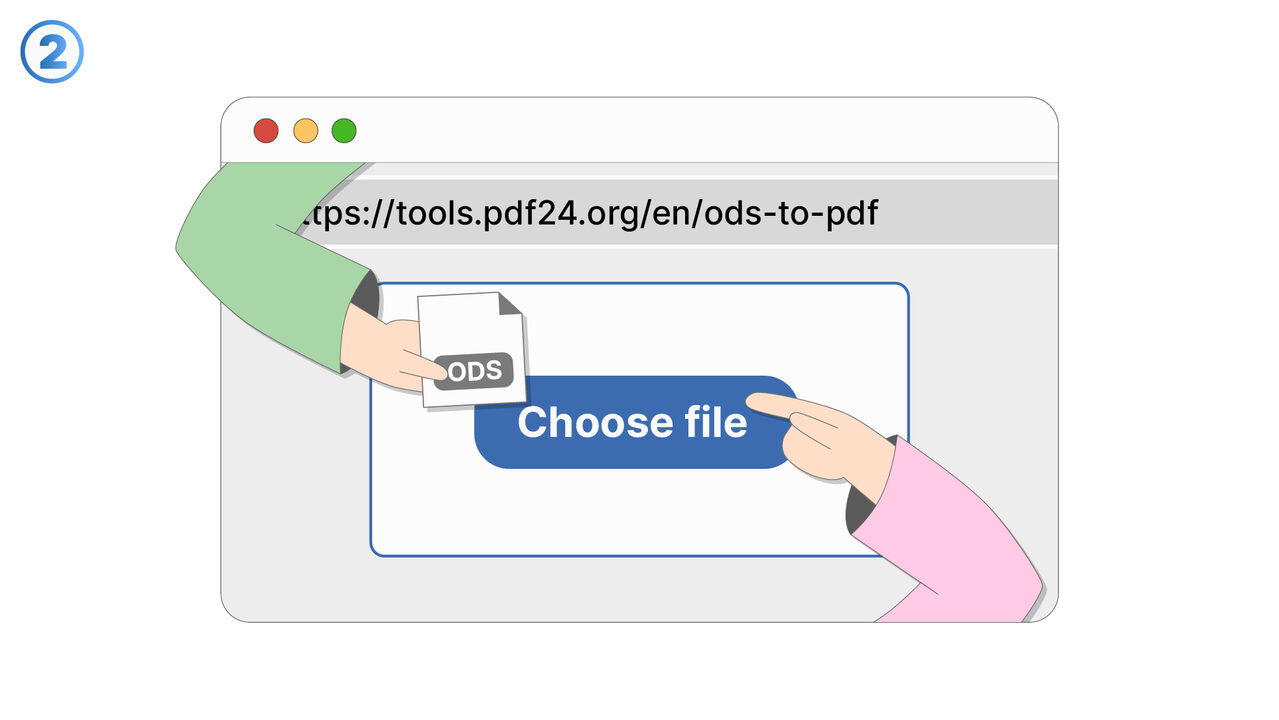
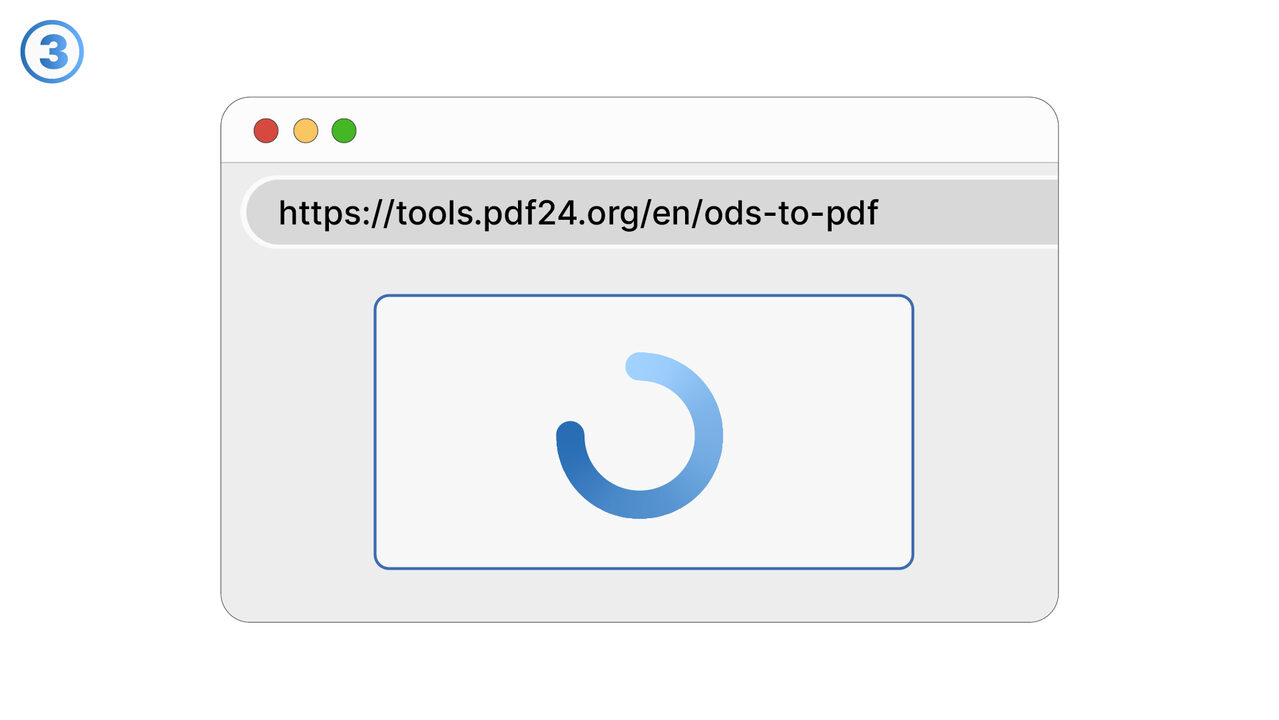
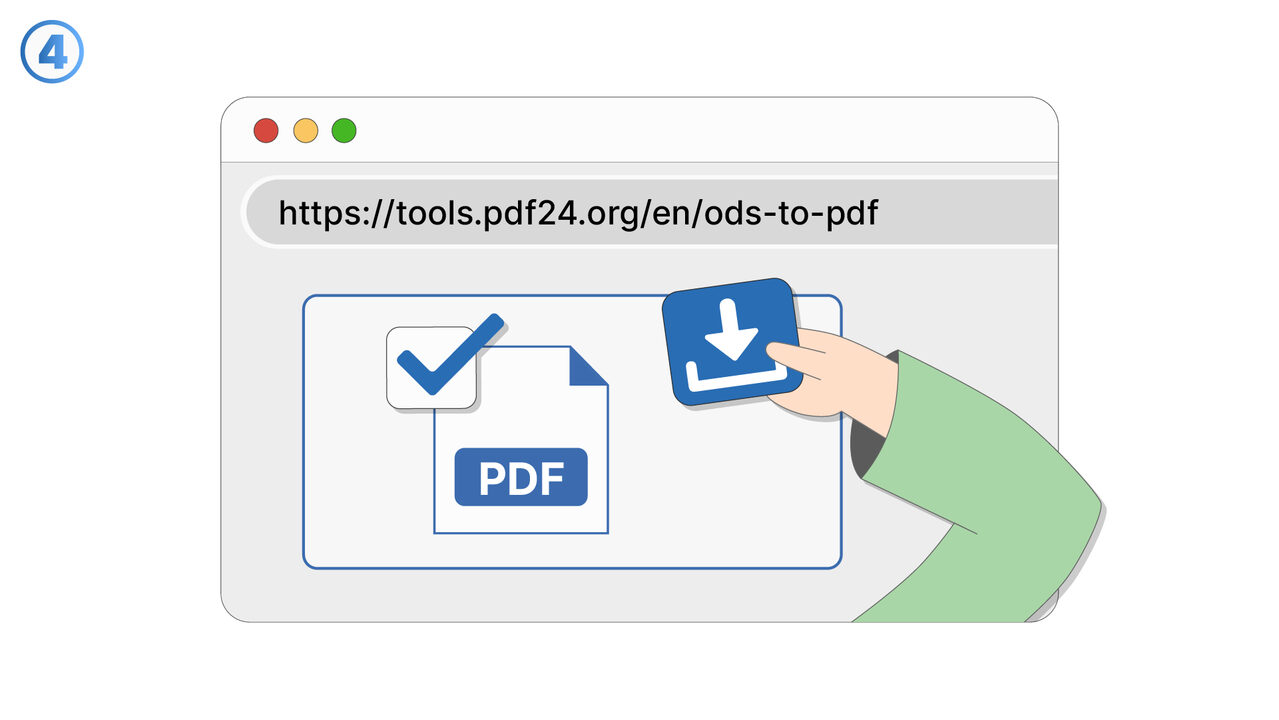
The Solution
This feature is designed to convert OpenDocument Spreadsheet (ODS) files into PDF format for easier sharing and long-term storage. It preserves the spreadsheet content in a fixed-layout document that is convenient to view on most devices. Use it when you need to distribute a spreadsheet to people who may not have a compatible ODS viewer installed. Converting to PDF can also help ensure the file looks the same when opened across different systems and applications. The feature is useful for creating printable versions of spreadsheets for reports, invoices, and internal documentation. It can support compliance and record-keeping workflows by providing a non-editable snapshot of the spreadsheet at a specific point in time. You can use it to prepare attachments for email or to upload finalized documents to portals that prefer PDF. It is also helpful for reducing confusion during review cycles by sharing a stable version that won’t change due to edits. Overall, it streamlines the process of turning editable spreadsheet data into a shareable document format.
External Resource
https://tools.pdf24.org/en/ods-to-pdf
Use this tool as a solution to the following problems
- OpenDocument Spreadsheet not compatible with your device.
- Unable to edit ODS file.
- Need to install large native applications for document conversion.
- ODS file is too large to share.
- Risk of unauthorized modifications in ODS file.
- Preserving formatting of ODS file when sharing.
- Finding a free and efficient ODS to PDF converter.
- Keeping the quality of the document intact during conversion.
- Unable to open or view ODS files.
Know a better solution? Let us know.
If you know of a tool or approach that could help people solve a problem we haven't covered yet, we'd love to hear about it.