The Problem
This feature helps ensure that an ODS spreadsheet keeps its original layout, styles, and structure when you share it with others. It reduces the risk of formatting changes that can make data harder to read or interpret.
Screenshots
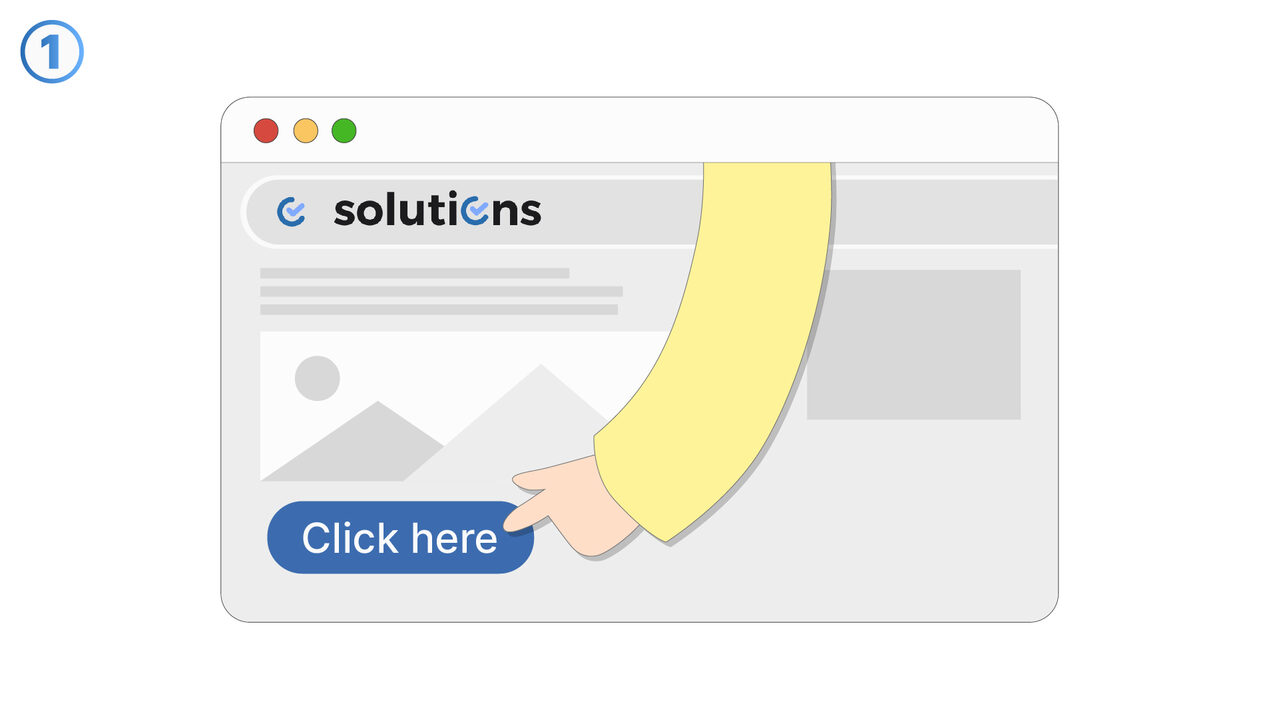
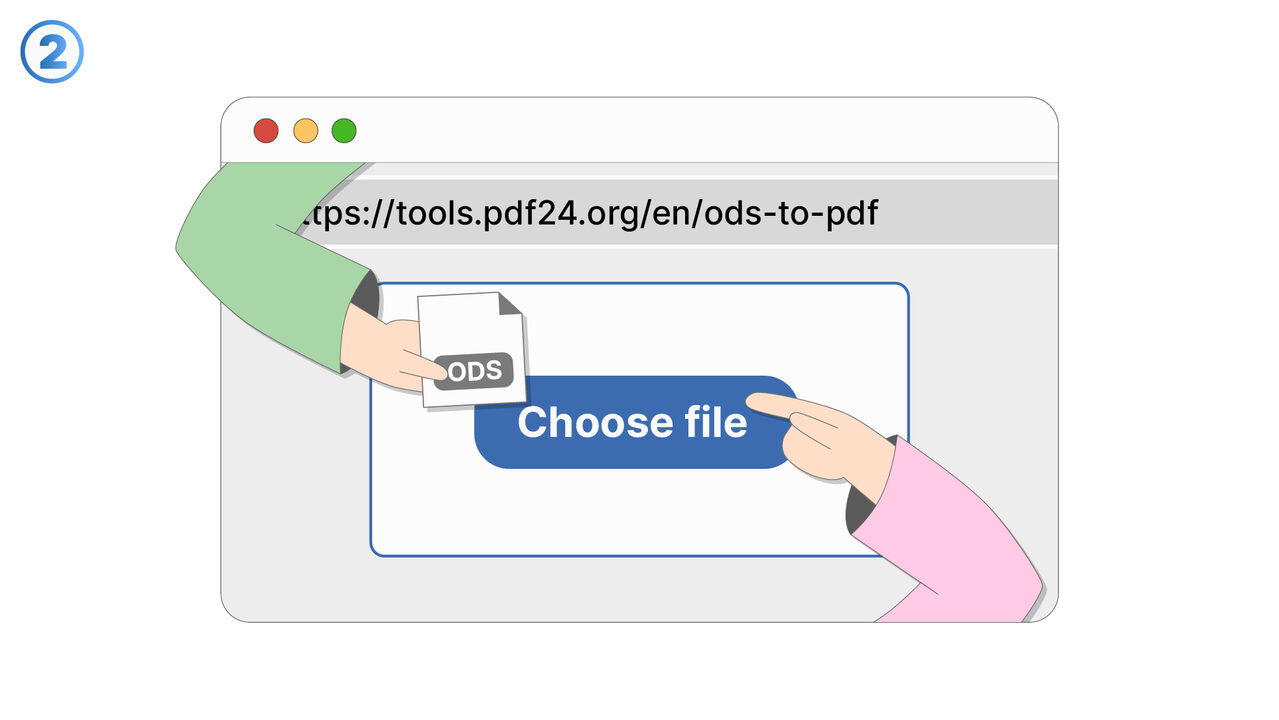
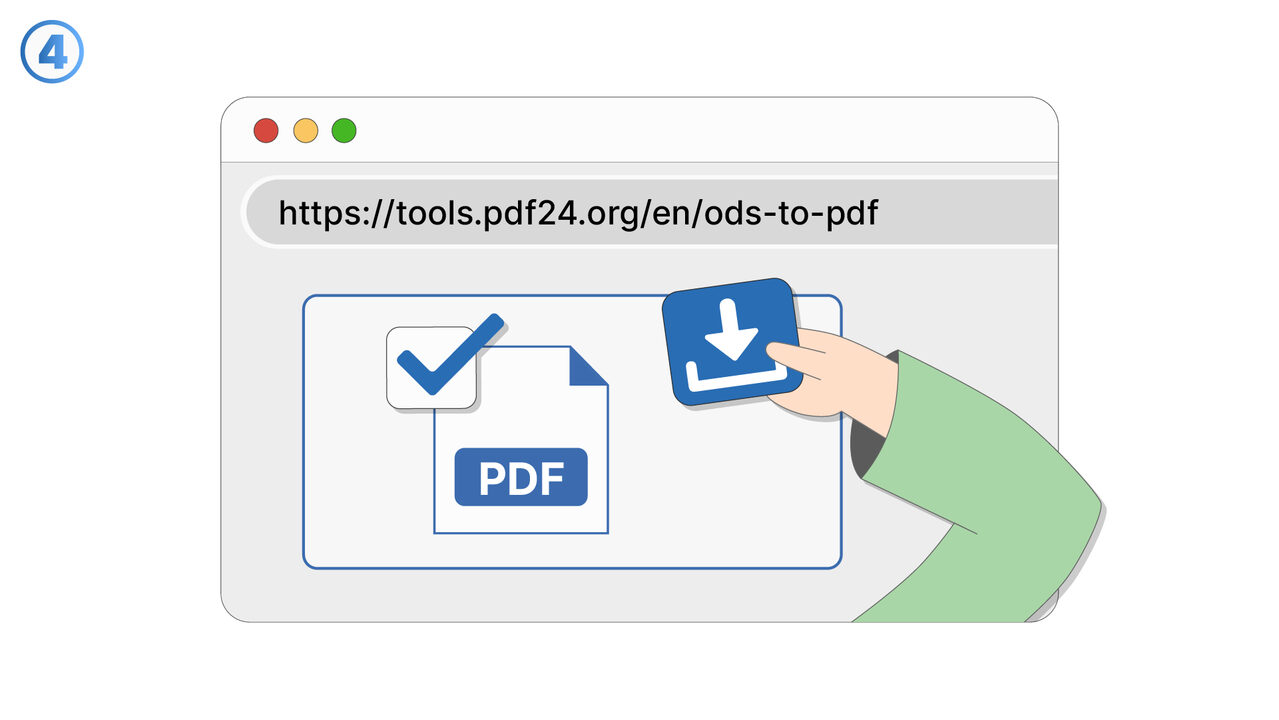
The Solution
Preserving formatting of ODS file when sharing focuses on keeping the spreadsheet’s visual presentation consistent for recipients. It aims to maintain elements such as cell formatting, fonts, alignment, number formats, borders, and overall layout. This is especially important when the file is opened on different devices or in different spreadsheet applications that may handle ODS rendering differently. By keeping formatting intact, the shared file remains easier to understand and reduces confusion caused by shifted columns, altered styling, or inconsistent number displays. The feature supports sharing workflows where the appearance of reports, templates, or standardized forms matters as much as the underlying data. It is useful for teams collaborating on financial sheets, project trackers, and dashboards where visual cues and formatting encode meaning. It also benefits users who distribute spreadsheets to external stakeholders and need the document to look professional and consistent. Overall, it helps protect the integrity of how information is presented when an ODS file changes hands.
External Resource
https://tools.pdf24.org/en/ods-to-pdf
Use this tool as a solution to the following problems
- OpenDocument Spreadsheet not compatible with your device.
- Unable to edit ODS file.
- Need to install large native applications for document conversion.
- ODS file is too large to share.
- Risk of unauthorized modifications in ODS file.
- Finding a free and efficient ODS to PDF converter.
- Keeping the quality of the document intact during conversion.
- Unable to open or view ODS files.
- Quickly converting ODS files to PDF format.
Know a better solution? Let us know.
If you know of a tool or approach that could help people solve a problem we haven't covered yet, we'd love to hear about it.