The Problem
This feature helps you open and view ODS (OpenDocument Spreadsheet) files reliably within the app. It focuses on improving compatibility so spreadsheets load correctly and are readable without extra conversion steps.
Screenshots
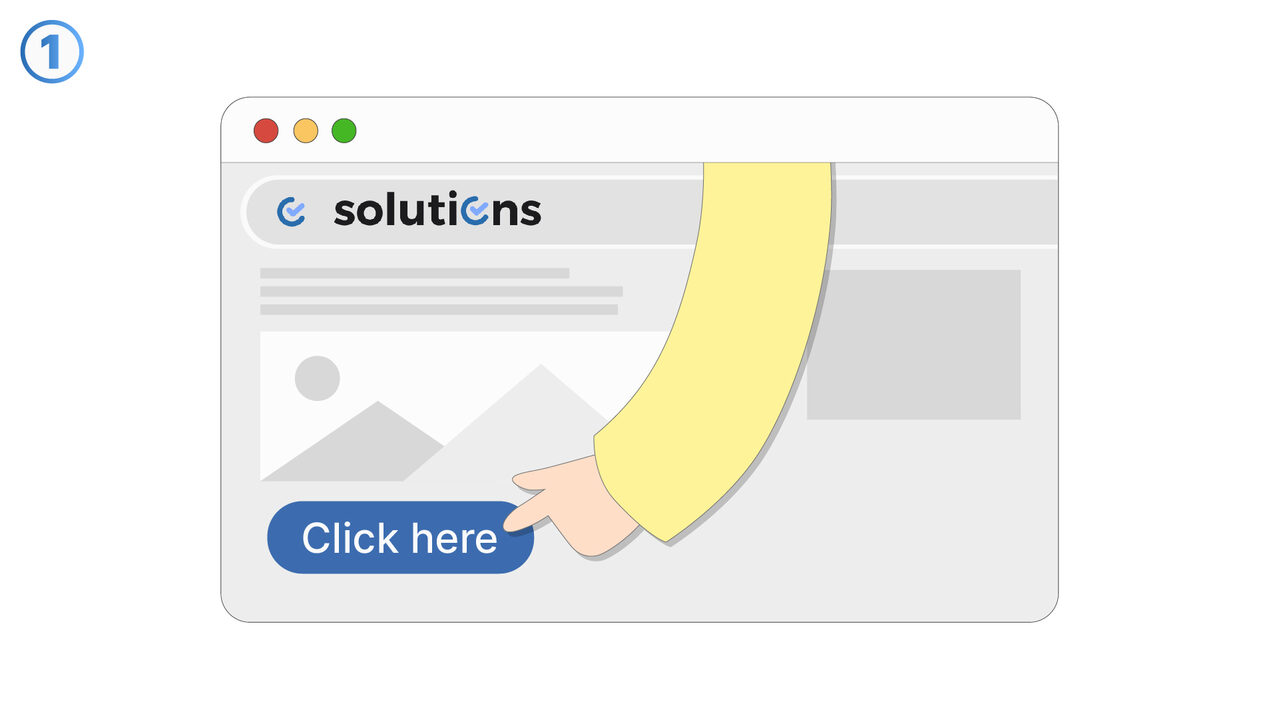
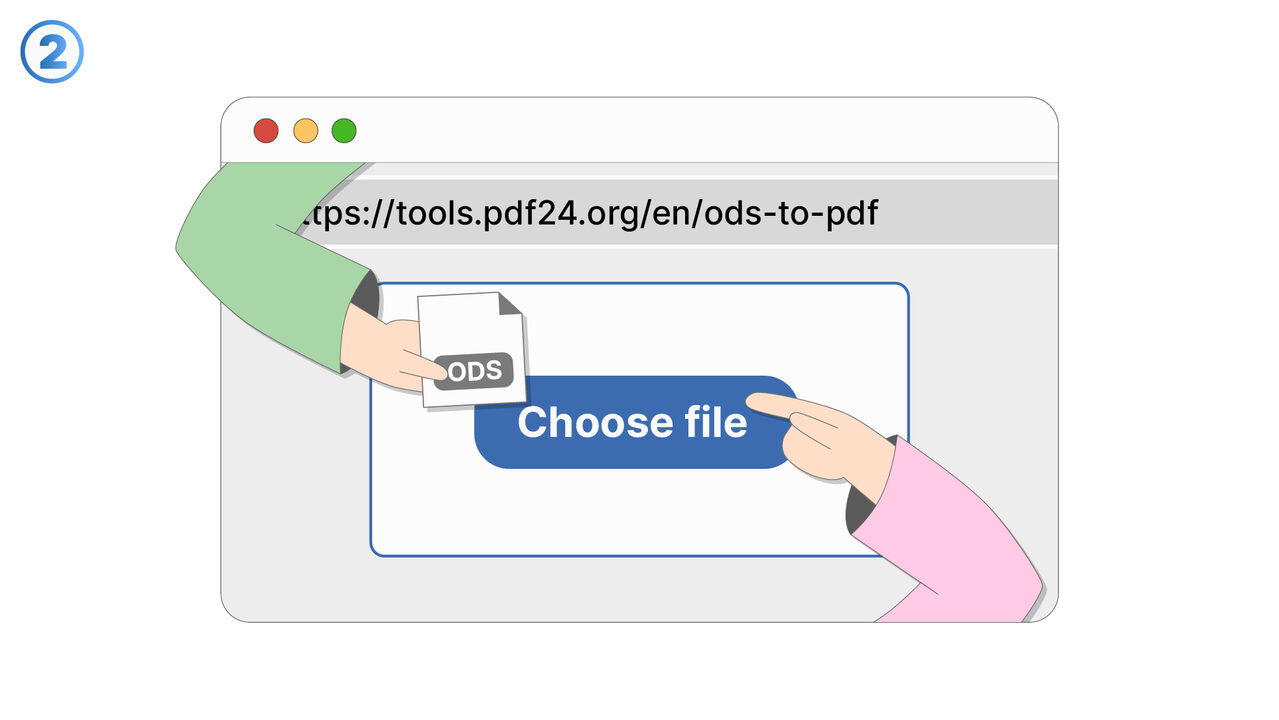
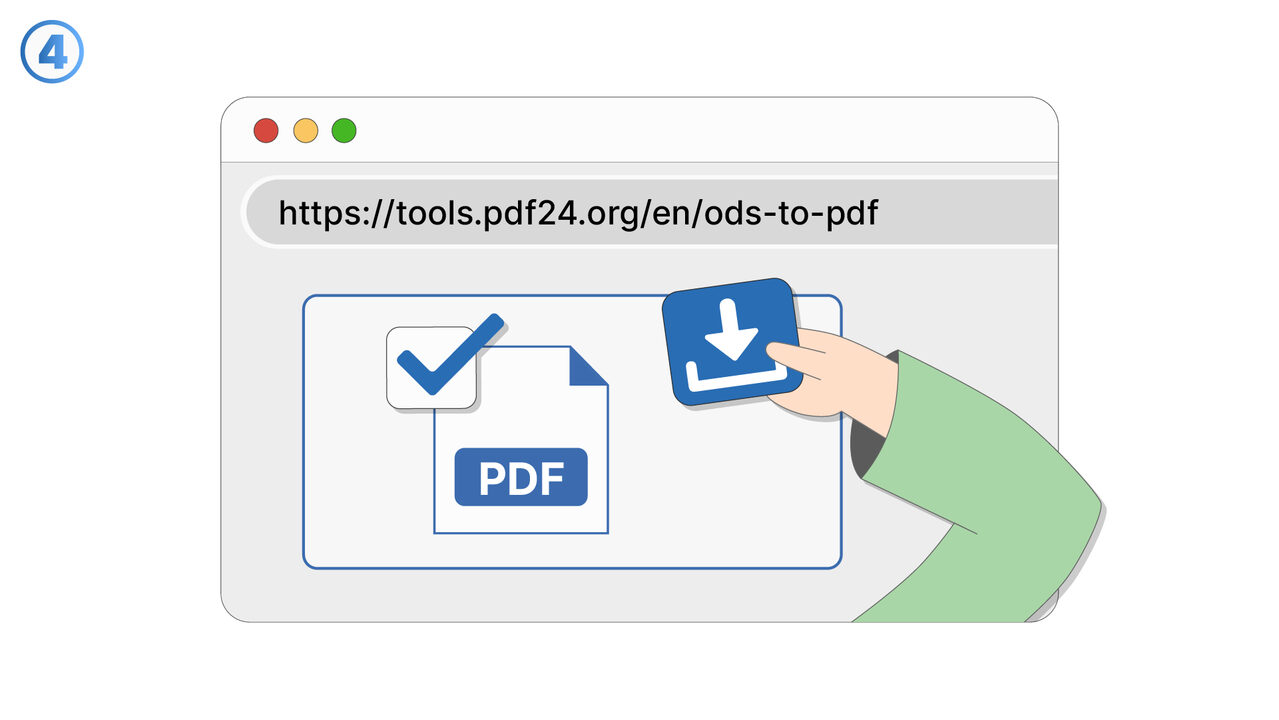
The Solution
This feature addresses situations where ODS files fail to open, display incorrectly, or cannot be previewed at all. It provides improved handling of the ODS format so spreadsheet content—such as rows, columns, and cell values—can be viewed as expected. When you select or attempt to preview an ODS file, the app processes the file to render the spreadsheet in a readable layout. The primary goal is to reduce errors and blank screens when working with ODS documents. This is especially useful when receiving ODS files from LibreOffice, OpenOffice, or other tools that export in the OpenDocument standard. By supporting direct viewing, the feature helps you validate spreadsheet contents quickly without needing to convert the file first. It also supports workflows where ODS is used as a standard exchange format between teams or systems. If an ODS file cannot be opened due to file corruption or unsupported elements, the feature aims to make the failure clear and actionable rather than silent. Overall, it improves productivity when accessing spreadsheet data stored in the ODS format.
External Resource
https://tools.pdf24.org/en/ods-to-pdf
Use this tool as a solution to the following problems
- OpenDocument Spreadsheet not compatible with your device.
- Unable to edit ODS file.
- Need to install large native applications for document conversion.
- ODS file is too large to share.
- Risk of unauthorized modifications in ODS file.
- Preserving formatting of ODS file when sharing.
- Finding a free and efficient ODS to PDF converter.
- Keeping the quality of the document intact during conversion.
- Quickly converting ODS files to PDF format.
Know a better solution? Let us know.
If you know of a tool or approach that could help people solve a problem we haven't covered yet, we'd love to hear about it.