問題
This feature documentation explains common complications that can occur when preserving images and other embedded elements in ODT (OpenDocument Text) files during editing, conversion, or processing. It helps users understand what can go wrong and what to watch for so document fidelity is maintained as closely as possible.
スクリーンショット
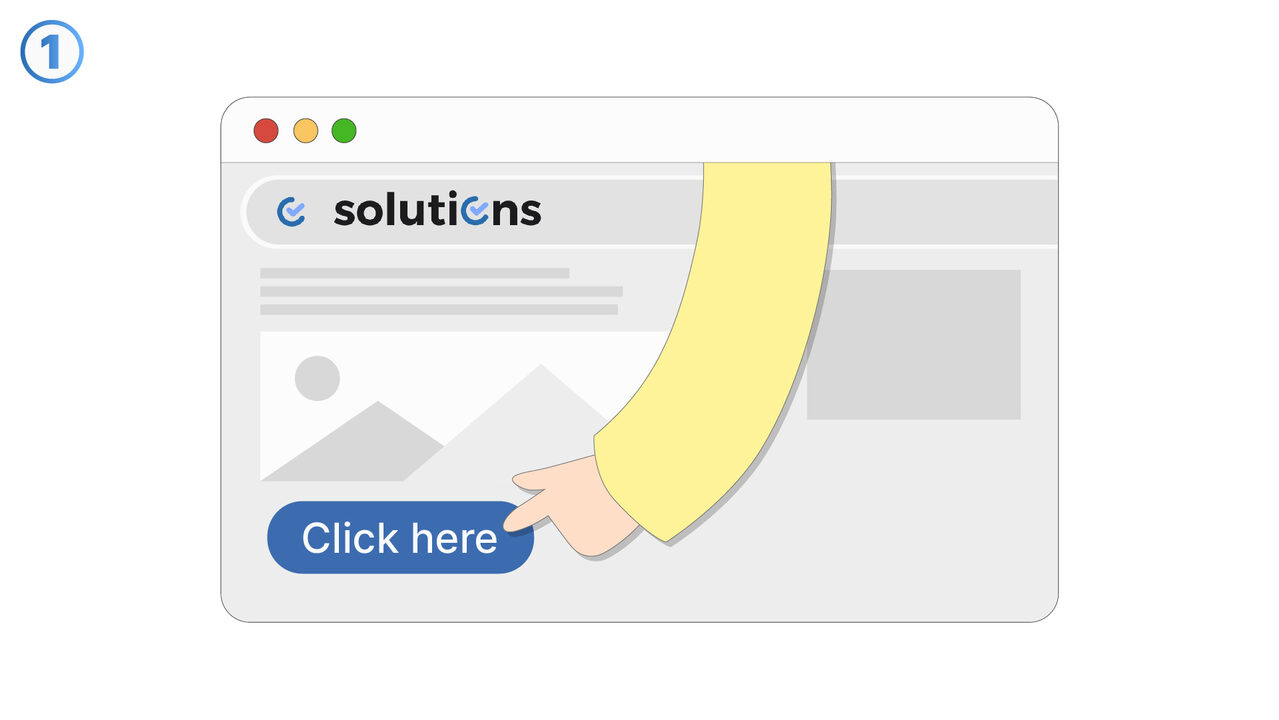
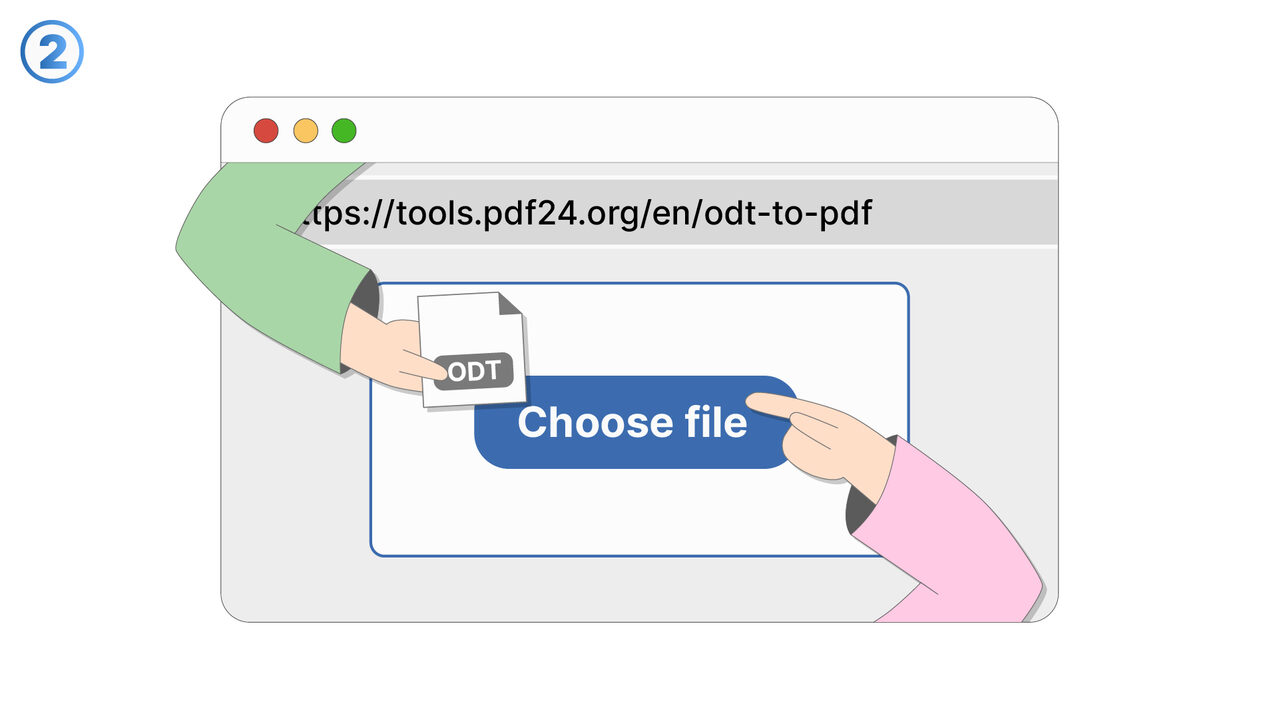
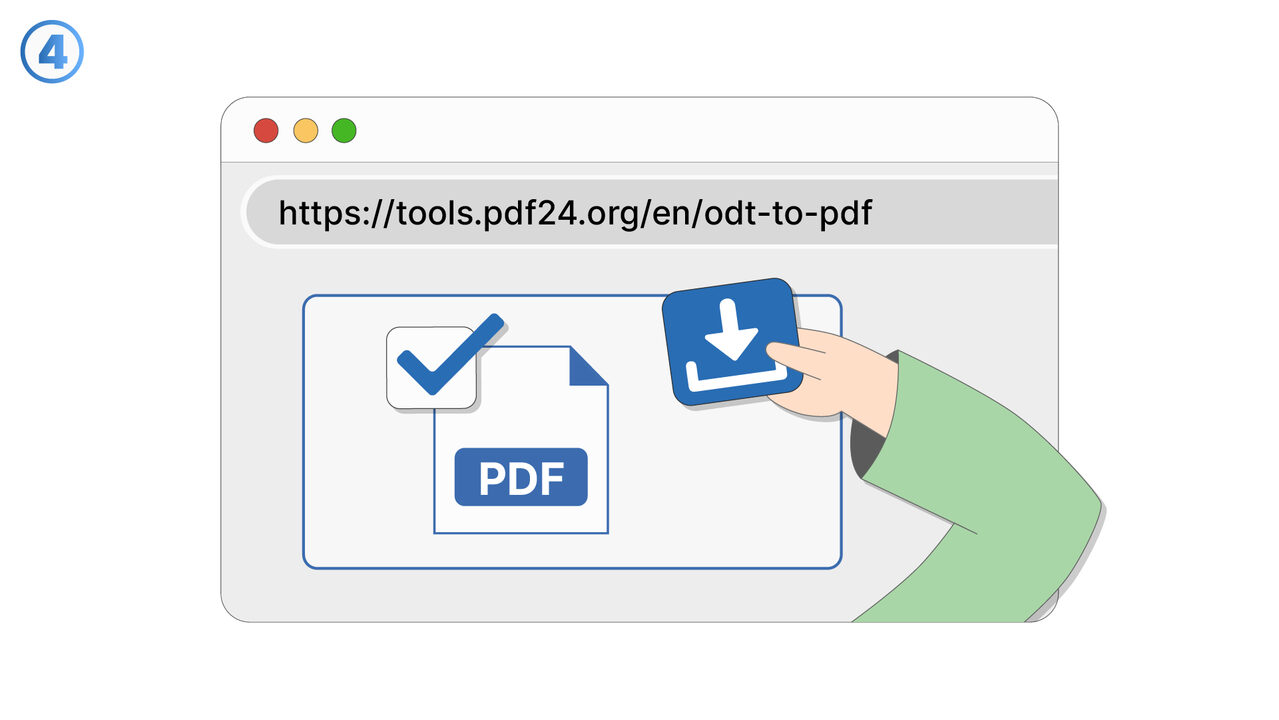
解決策
Preserving images and other embedded elements in ODT files can be challenging when documents are edited in different applications, converted to other formats, or processed by automation tools. Elements such as images, charts, shapes, text boxes, tables, headers/footers, and footnotes may shift position, resize unexpectedly, or lose their intended wrapping and anchoring behavior. Differences in how editors interpret ODT layout rules—especially around page geometry, styles, and fonts—can lead to reflow that affects both visuals and surrounding text. Linked assets can become missing or broken if the document is moved, exported, or opened in an environment that does not maintain the same file references. Some tools may simplify or flatten complex objects, reducing editability or changing appearance while attempting to preserve visual output. Metadata, captions, and alternative text can also be dropped or altered depending on the processing pipeline. This documentation is intended for users who need reliable document fidelity for reports, manuals, academic papers, or templates shared across teams. It describes where these issues commonly appear, how to identify them during review, and what workflows tend to minimize changes. Typical use cases include converting ODT to PDF/DOCX, merging documents, updating templates, or batch-processing files while aiming to keep layout and embedded content intact.
外部リソース
https://tools.pdf24.org/en/odt-to-pdf
以下の問題の解決策としてこのツールをご活用ください
- Unable to share ODT files with non-open-source word processor users
- ODT files formatting getting lost when printed
- Difficulty preserving the formatting of ODT files
- Large ODT files not supported in some systems
- Lack of compatibility of ODT files with other systems
- ODT files unsupported in some systems
- Challenges in converting ODT files to other formats
- Security concerns with other online converters
- Transferring ODT files to devices without suitable software
より良い解決策をご存知ですか? お知らせください。
まだ取り上げていない問題を解決できるツールやアプローチをご存知でしたら、ぜひお知らせください。