The Problem
Improve how ODT files retain their original layout and styling when they are opened, processed, or converted. The main benefit is fewer formatting errors, reducing manual rework and ensuring documents look consistent across systems.
Screenshots

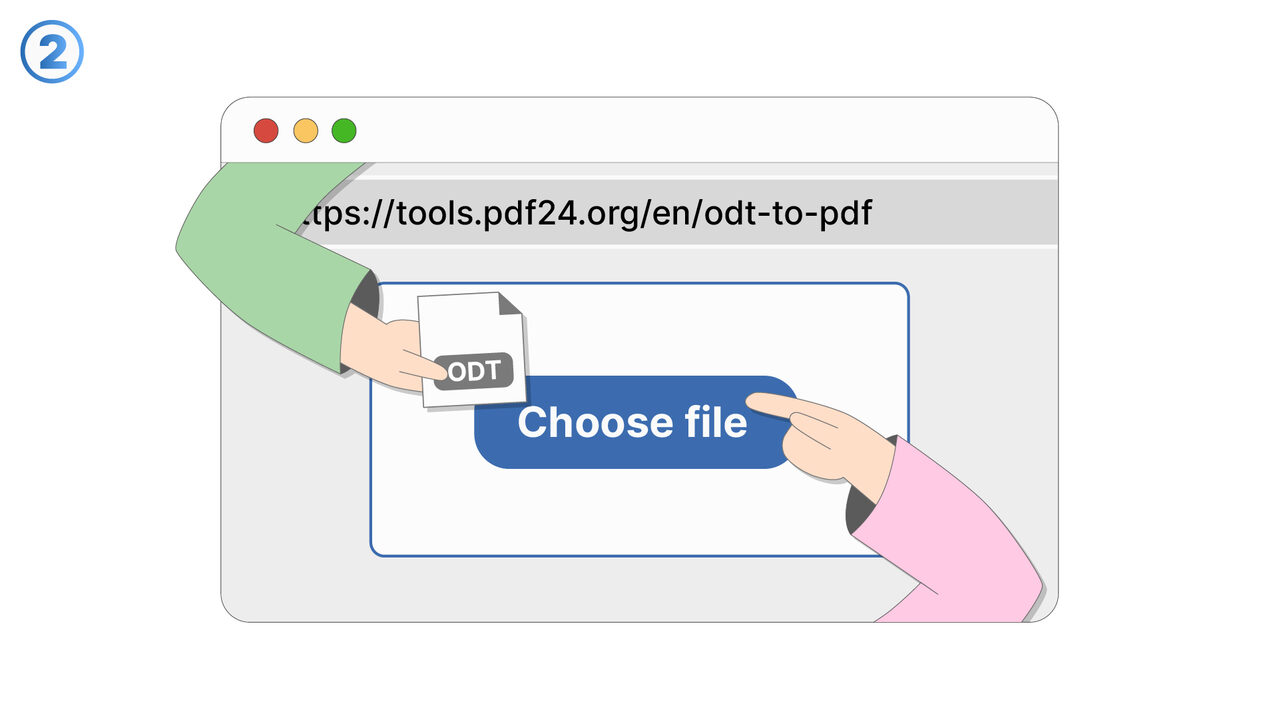
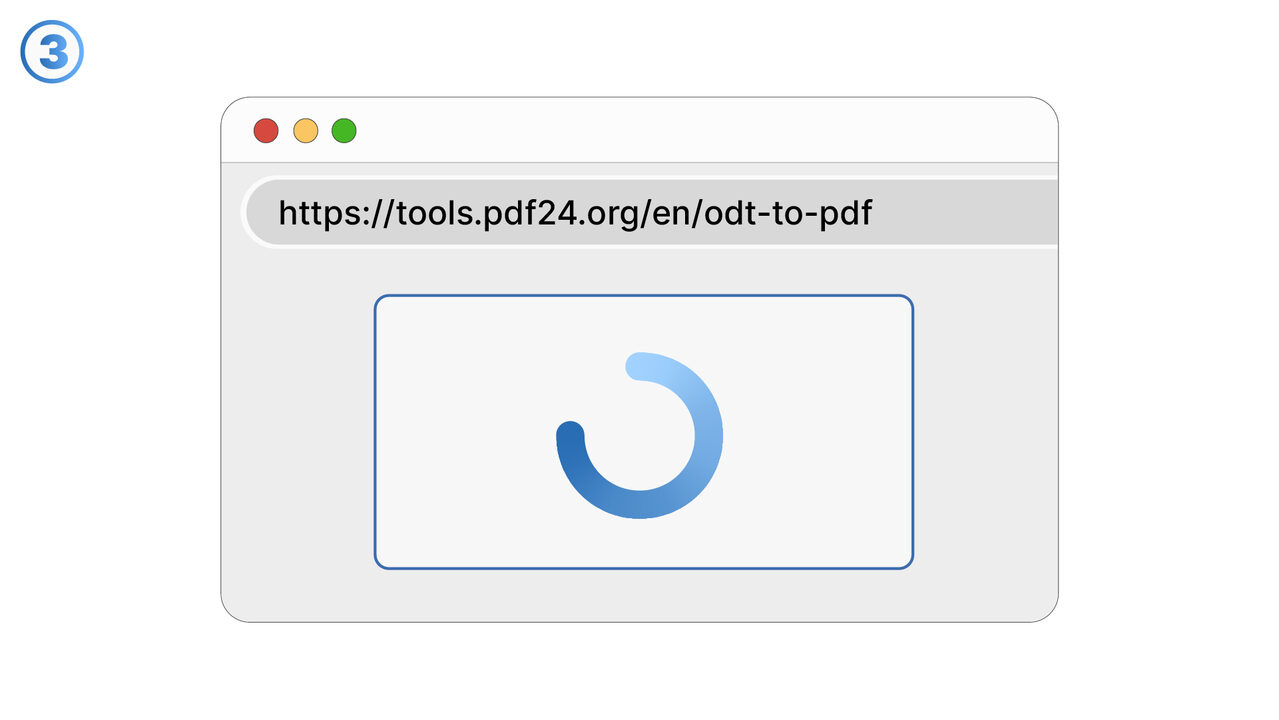
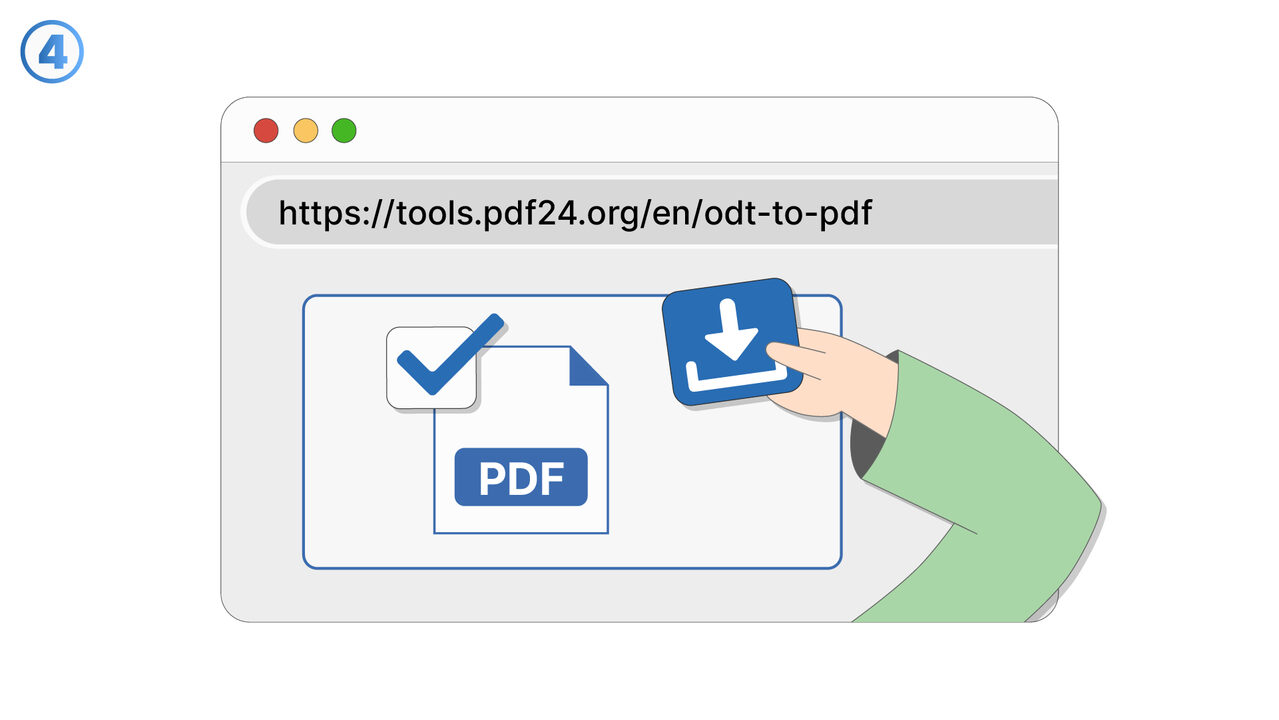
The Solution
This feature focuses on preserving the formatting of ODT (OpenDocument Text) files so that document appearance remains consistent throughout your workflow. It aims to maintain key elements such as fonts, spacing, headings, lists, tables, and page layout as closely as possible to the original file. Users can rely on more predictable results when viewing ODT documents or moving them between tools and platforms. By reducing formatting drift, the feature helps teams avoid time-consuming manual fixes after import, export, or conversion. It is especially useful for documents with complex structure, including embedded tables, multi-level numbering, and custom styles. The feature supports collaboration by ensuring that what one person authors is what others see, even across different environments. It also helps preserve brand and compliance requirements where consistent formatting is critical. Common use cases include preparing reports, sharing proposals, archiving documents, and converting ODT files for distribution while keeping layout intact. Overall, it improves trust in document fidelity and speeds up document handling from creation through final delivery.
External Resource
https://tools.pdf24.org/en/odt-to-pdf
Use this tool as a solution to the following problems
- Unable to share ODT files with non-open-source word processor users
- ODT files formatting getting lost when printed
- Large ODT files not supported in some systems
- Lack of compatibility of ODT files with other systems
- Complications when preserving images and other elements in ODT files
- ODT files unsupported in some systems
- Challenges in converting ODT files to other formats
- Security concerns with other online converters
- Transferring ODT files to devices without suitable software
Know a better solution? Let us know.
If you know of a tool or approach that could help people solve a problem we haven't covered yet, we'd love to hear about it.