The Problem
In my work, I encounter the problem of not being able to edit or search the text of my scanned PDF documents, which significantly slows down the work process. Moreover, it is not possible to index and categorize the information in the documents, which limits efficient management and findability. In addition, errors resulting from the scanning process cannot be corrected. The lack of text recognition and conversion capabilities thus pose a significant challenge when it comes to archiving and using the data. This is particularly problematic with large volumes of documents, leading to complications and a decrease in productivity and efficiency.
Screenshots
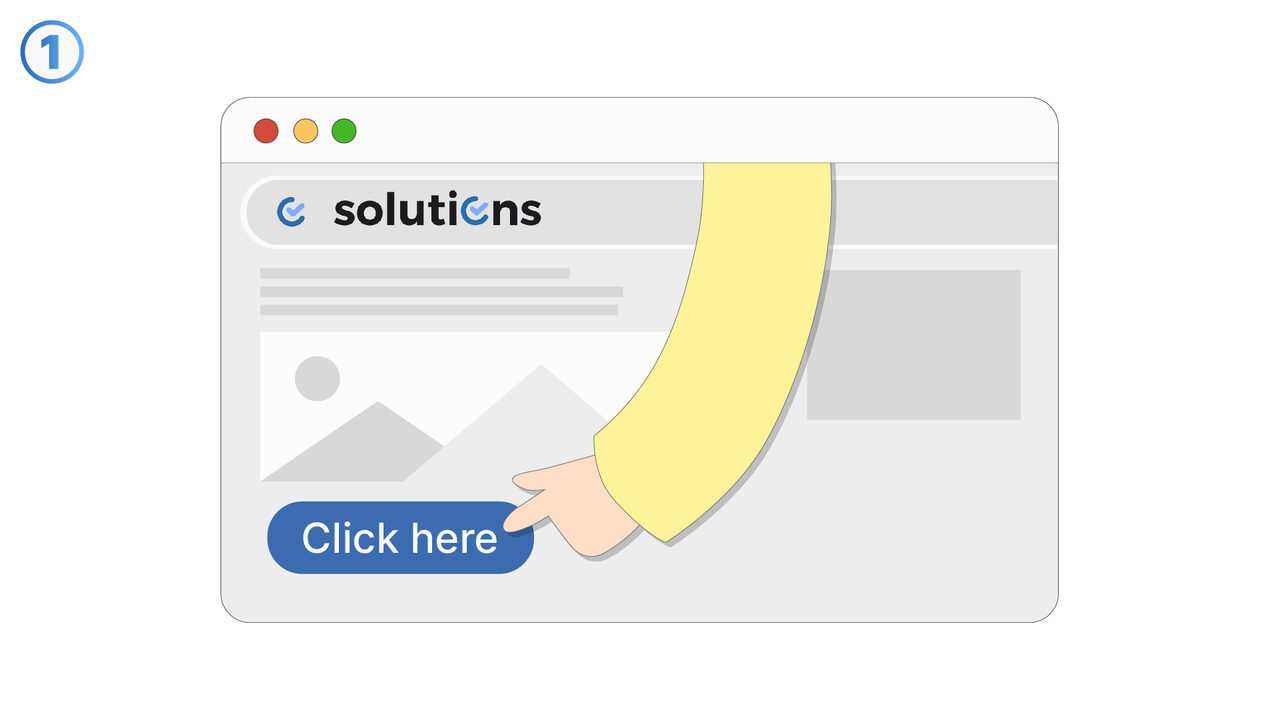
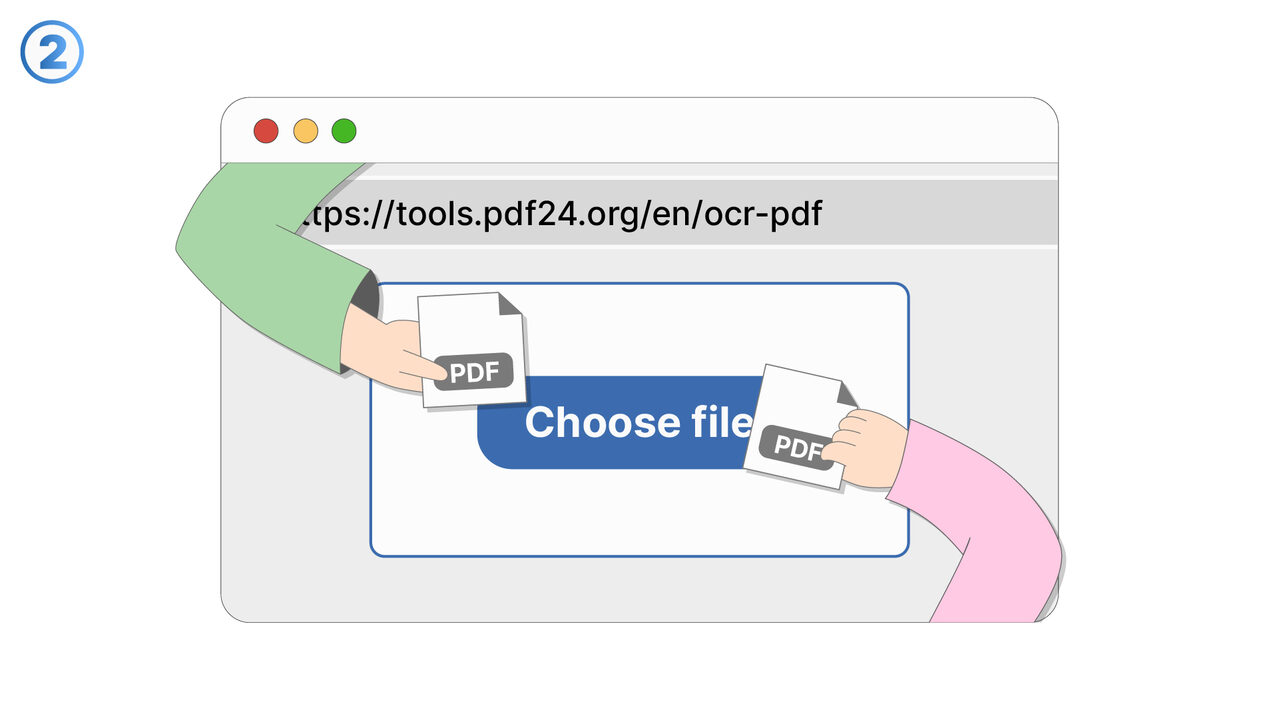
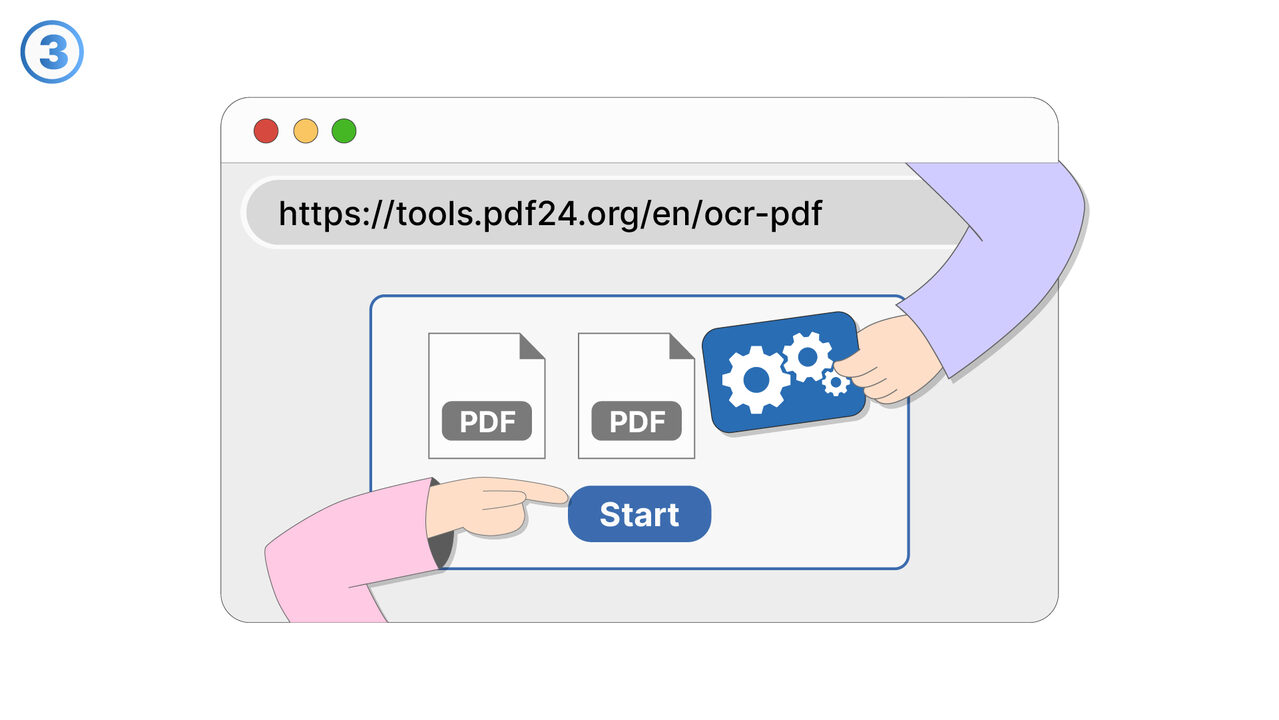
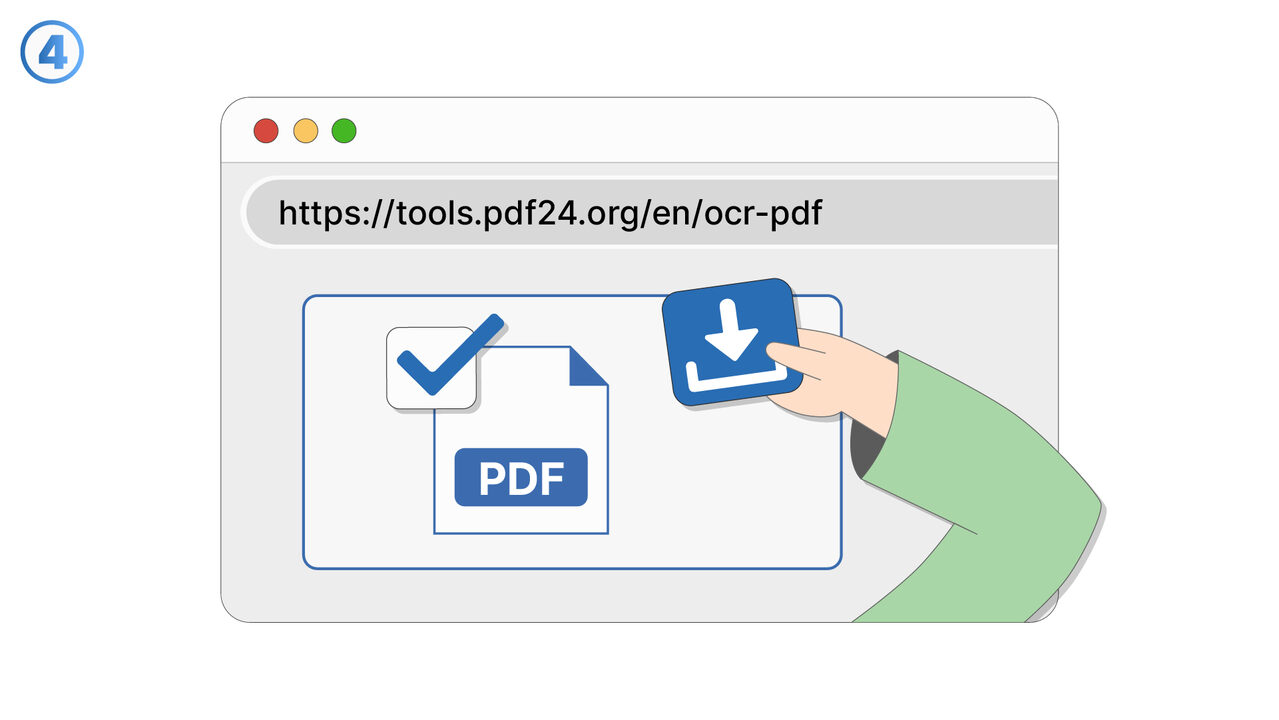
The Solution
The OCR PDF Tool is the tailor-made solution for the mentioned challenges. It uses optical character recognition technology to extract texts from scanned PDF documents and convert them into editable text. This not only enables searchability, but also the indexing of information, ensuring efficient document management and improved findability. Errors that occurred during the scanning process can be easily corrected. Even handwritten documents are no problem for the OCR PDF Tool, as long as the handwriting is clear. Whether typed, handwritten or printed text - the OCR PDF Tool recognizes and processes it with high precision. For large document volumes, this tool greatly contributes to increased productivity and efficiency.
External Resource
https://tools.pdf24.org/en/ocr-pdf
Use this tool as a solution to the following problems
- I cannot edit the text in my PDF file and need a solution for this.
- I am having trouble digitizing old paper documents.
- I can't search the content in my PDF file and need a text recognition tool.
- I am having trouble copying text from a scanned document.
- I have problems extracting and digitizing text from physical documents.
- I cannot correct errors in my scanned PDF documents.
- I am having trouble extracting and managing the text from my physical documents.
- I have difficulties extracting text from physical documents and sharing them digitally.
- I am having difficulties converting the text from image-based PDFs into editable text.
Know a better solution? Let us know.
If you know of a tool or approach that could help people solve a problem we haven't covered yet, we'd love to hear about it.