問題
This feature ensures recipients can access shared spreadsheets even if they do not have Microsoft Excel installed. It provides an alternative way to view and work with the file so collaboration is not blocked by software availability.
截圖
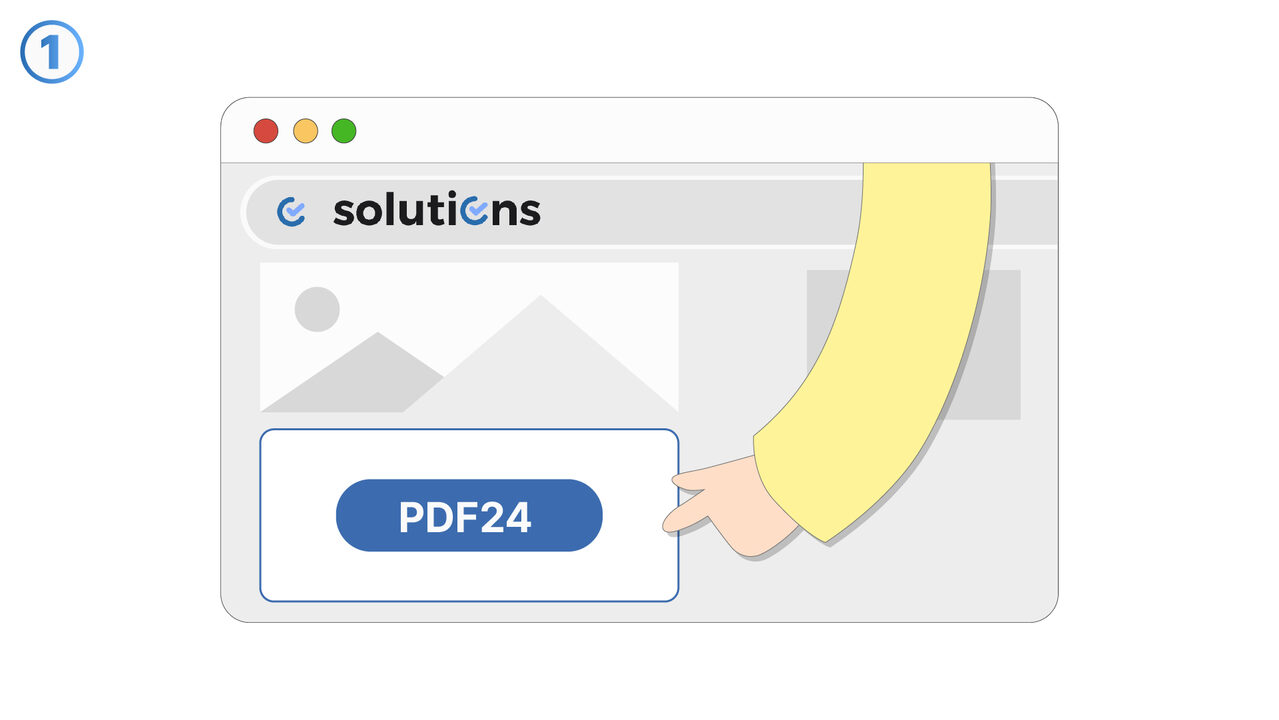
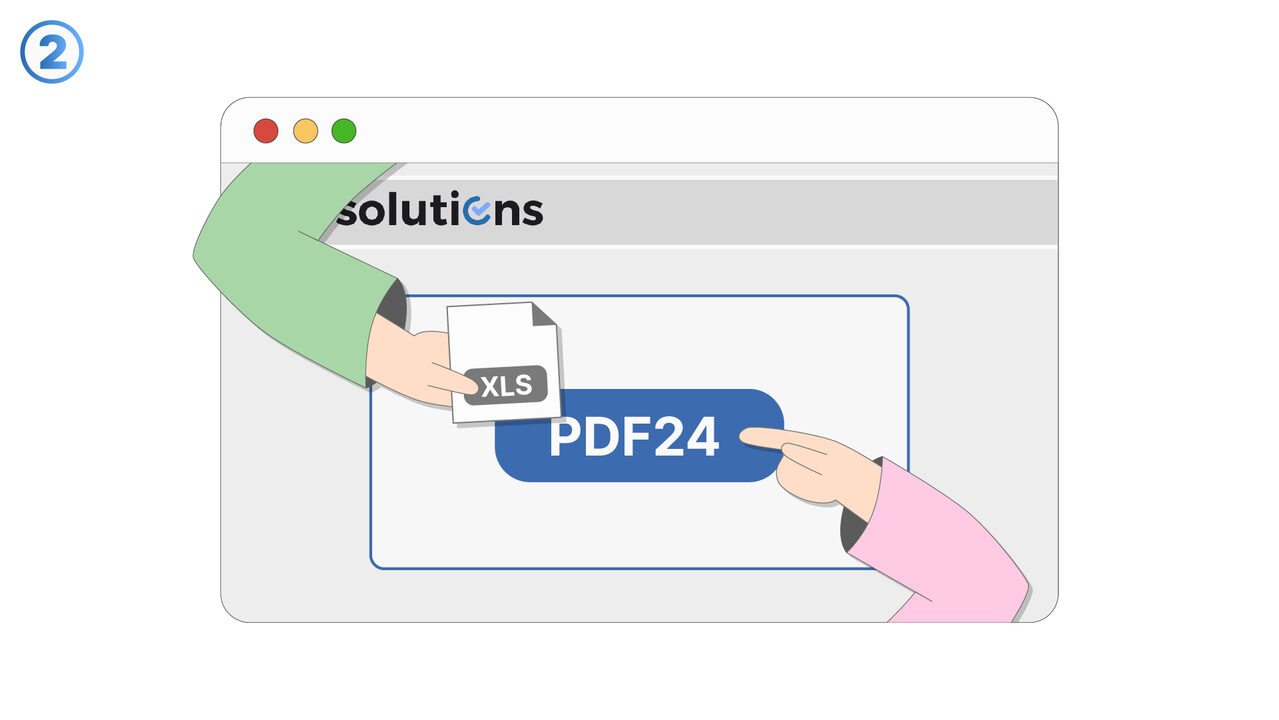
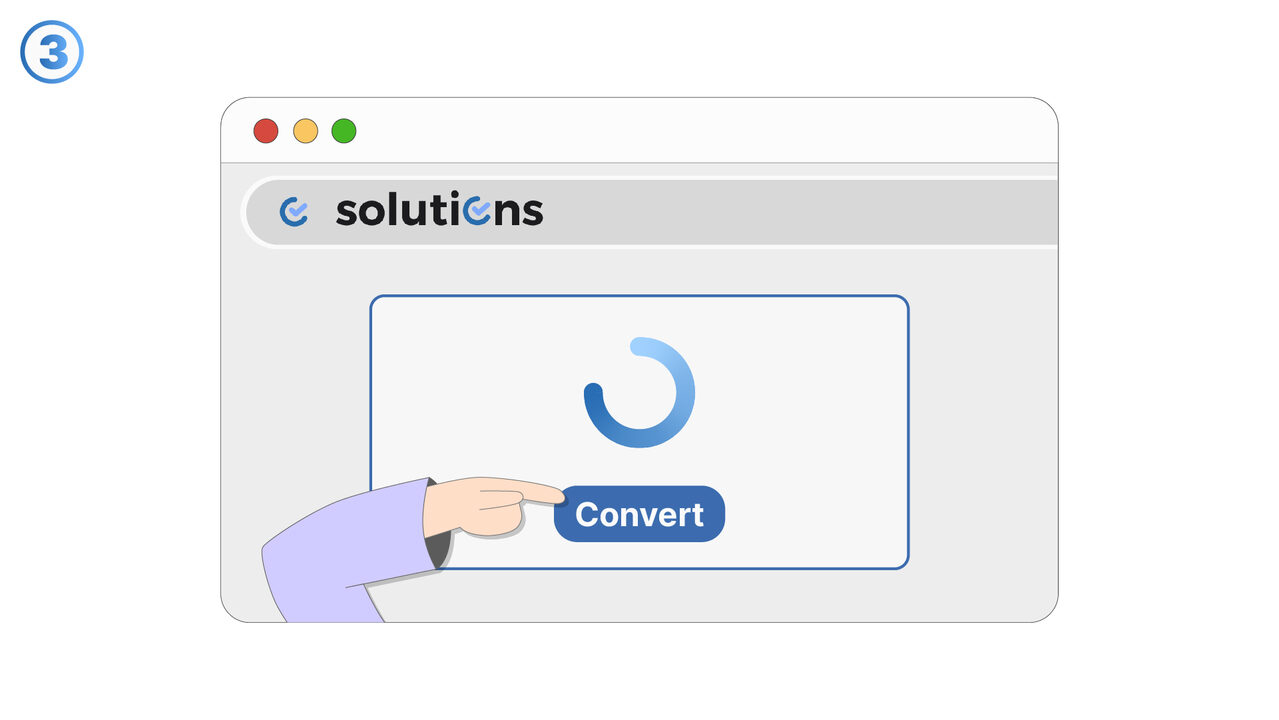
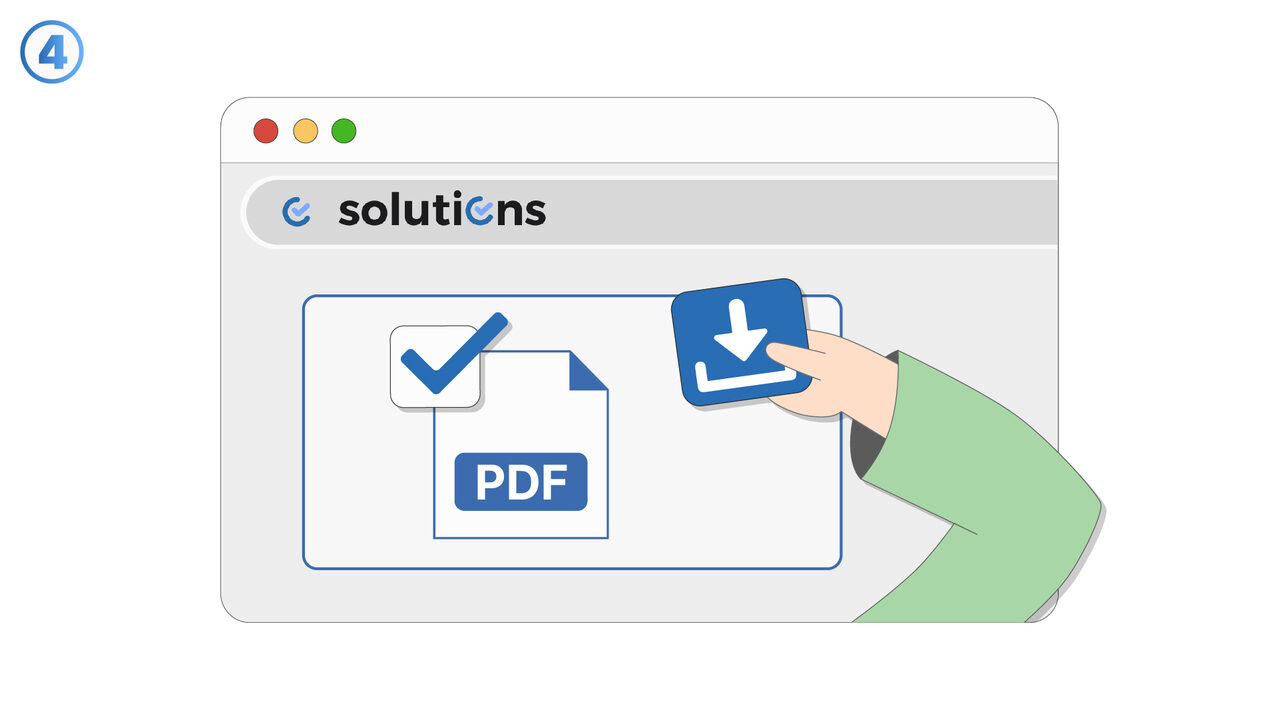
解決方案
Recipient doesn't have Excel addresses cases where a spreadsheet is sent to someone who cannot open it in Microsoft Excel. It enables the sender to share the content in a format or viewing experience that does not require Excel on the recipient’s device. This helps teams avoid delays caused by incompatible software or missing licenses. Users can distribute spreadsheets more confidently, knowing recipients can still review the information. The feature is especially useful when collaborating with external partners, clients, or stakeholders who use different tools. It also supports scenarios where recipients are on mobile devices or locked-down corporate environments where Excel is not available. By reducing friction in access, it improves responsiveness and speeds up review cycles. It is well-suited for sharing reports, budgets, schedules, and data tables that need quick visibility. Overall, it helps ensure spreadsheet-based communication remains reliable regardless of the recipient’s installed applications.
外部資源
https://tools.pdf24.org/en/excel-to-pdf
將此工具用作以下問題的解決方案
- Formatting issues when sharing Excel files
- Security issues with Excel files
- High incompatibility of Excel across different devices
- Printing issues with Excel files
- Excessive disk space consumption by Excel files
- Unauthorized changes to Excel files
- Inability to lock content in Excel documents
- Insufficient portability due to Excel files
- Risk of losing data in Excel format
知道更好的解決方案嗎? 告訴我們。
如果您知道某個工具或方法可以幫助人們解決我們尚未涵蓋的問題,我們很樂意聽取。