Проблема
This feature documentation highlights the risk of losing or altering data when working with files in Excel format. It helps users understand common causes and encourages safer handling to preserve data accuracy and completeness.
Снимки экрана
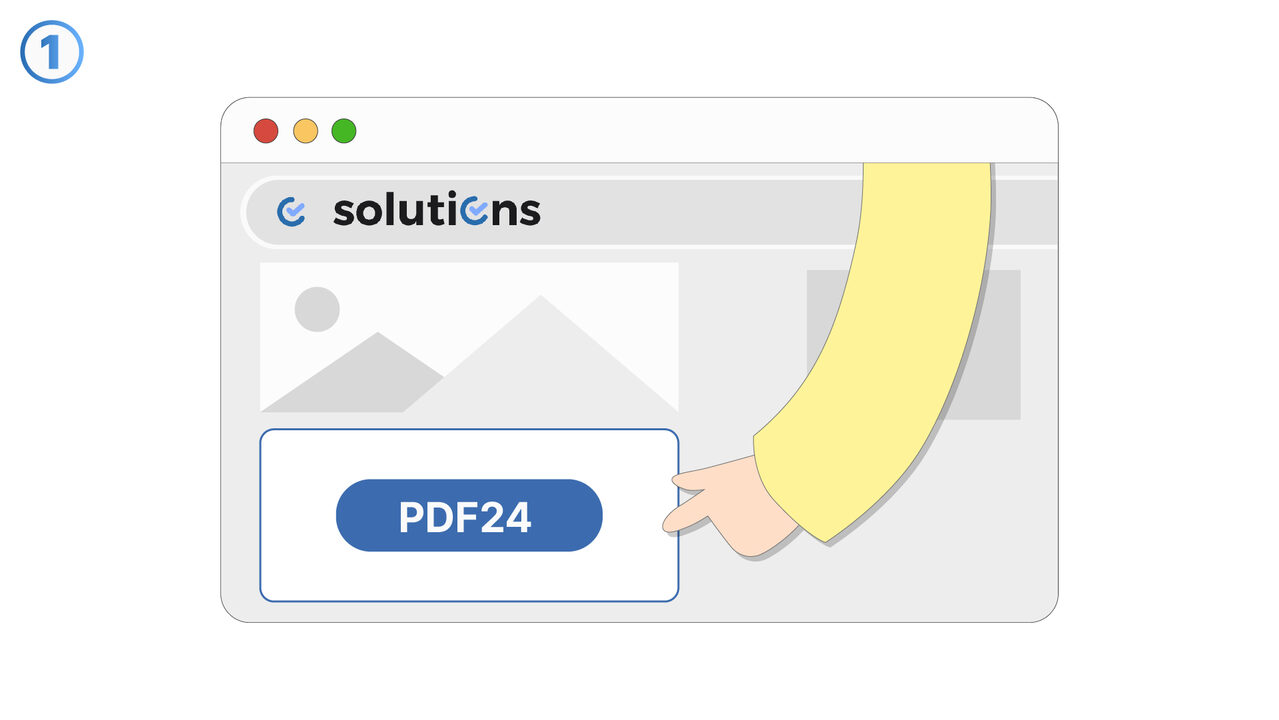
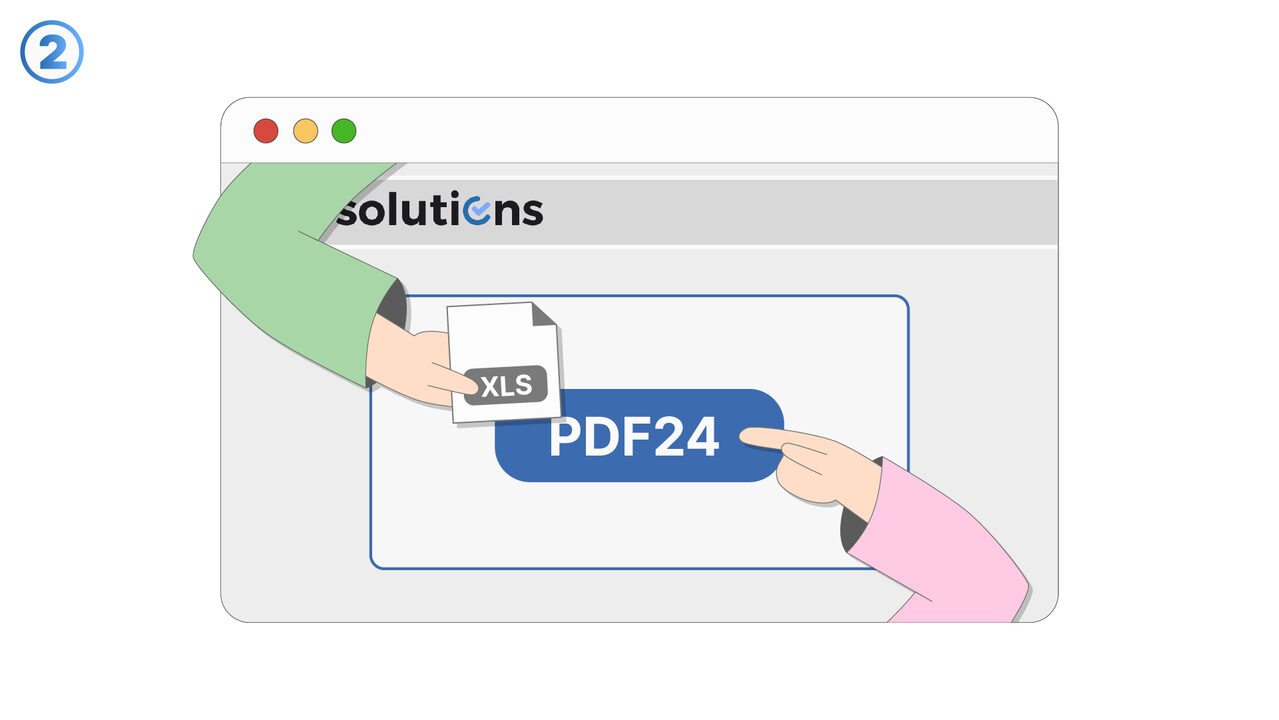
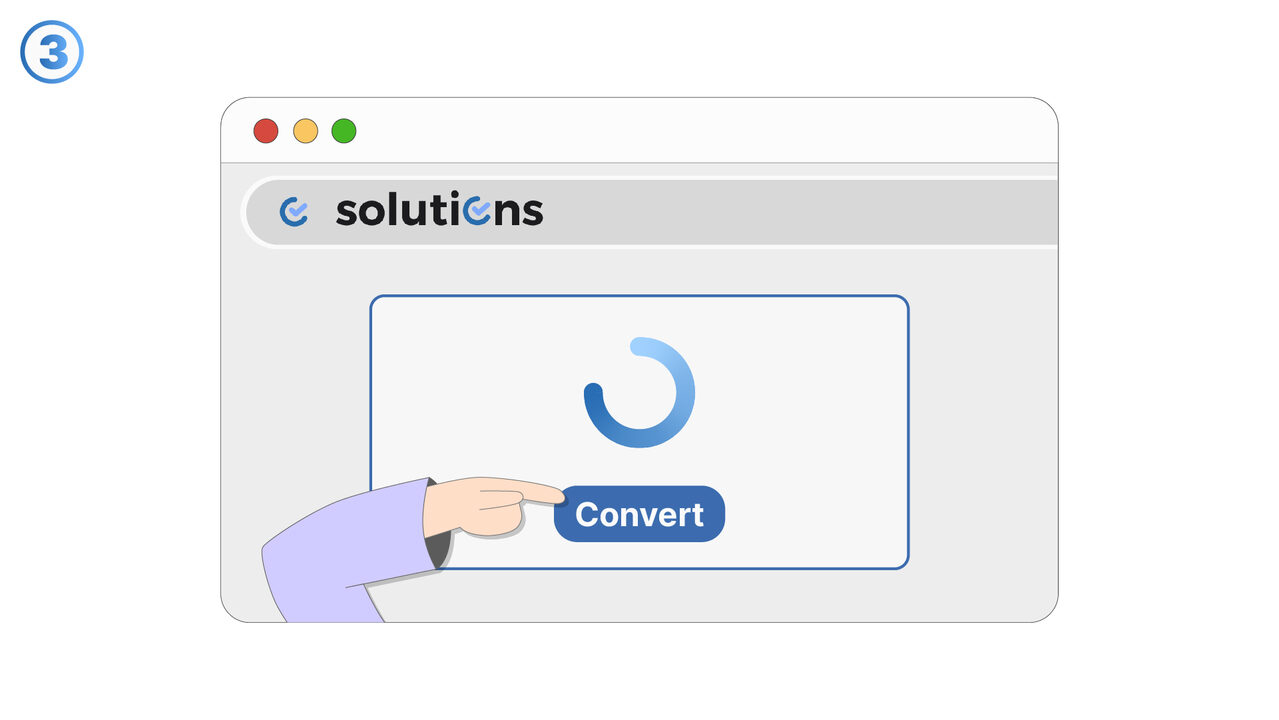
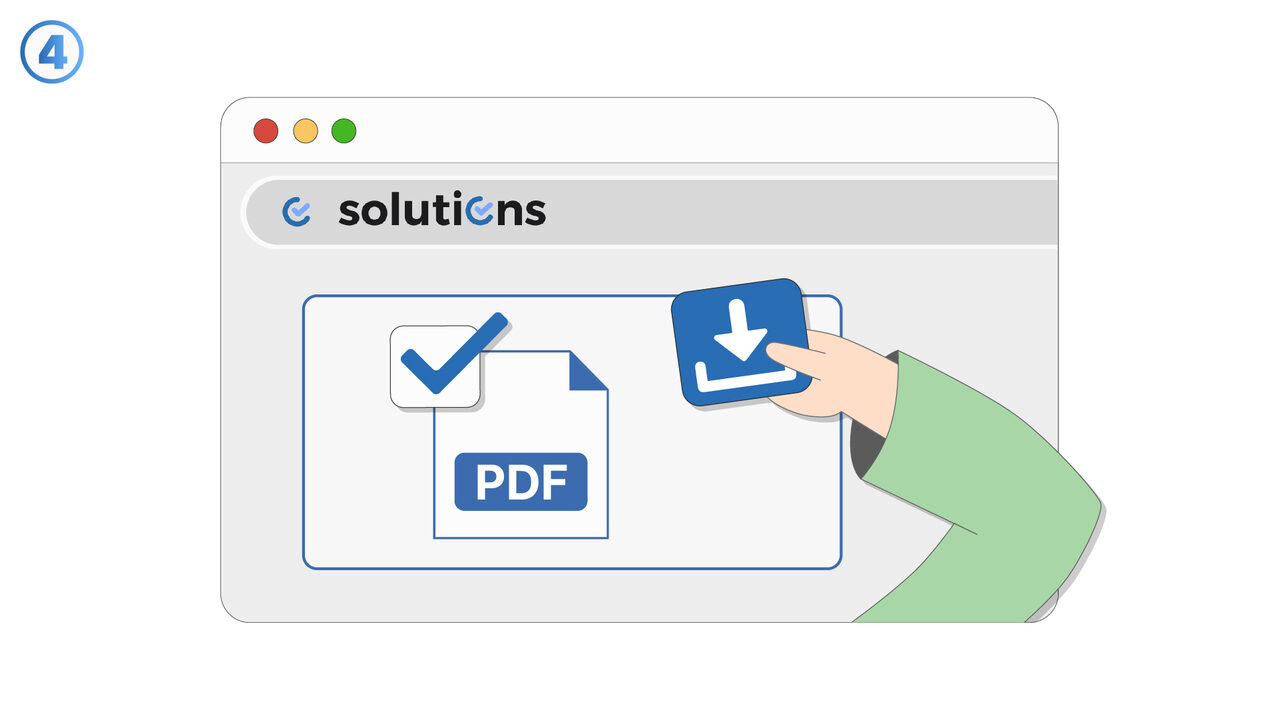
Решение
Risk of losing data in Excel format describes the situations where information can be missing, changed, or misrepresented when data is stored in or exported to Excel files. This typically occurs because Excel applies automatic formatting, type conversion, and cell constraints that may not match the original data structure. Users should be aware that long numbers, identifiers, and codes can be converted (for example, into scientific notation) or have leading zeros removed. Dates and times may be interpreted differently depending on locale settings and Excel’s parsing rules, which can change the intended values. Large datasets can also be truncated or partially loaded due to row/column limits or memory constraints, leading to incomplete exports. Special characters, line breaks, and delimiter-like content can be transformed in ways that affect downstream processing. To reduce risk, users should validate key fields after opening or exporting, and consider using formats better suited for strict typing and large-scale data exchange when appropriate. This guidance is especially important for finance, operations, analytics, and compliance workflows where data integrity is critical. The goal is to help users recognize and prevent avoidable data loss when Excel is part of the workflow.
Внешний ресурс
https://tools.pdf24.org/en/excel-to-pdf
Используйте этот инструмент как решение следующих проблем
- Recipient doesn't have Excel
- Formatting issues when sharing Excel files
- Security issues with Excel files
- High incompatibility of Excel across different devices
- Printing issues with Excel files
- Excessive disk space consumption by Excel files
- Unauthorized changes to Excel files
- Inability to lock content in Excel documents
- Insufficient portability due to Excel files
Знаете лучшее решение? Сообщите нам.
Если вы знаете инструмент или подход, который мог бы помочь решить проблему, которую мы ещё не рассматривали, мы будем рады об этом услышать.