Formatting issues when sharing Excel files
Diselesaikan oleh Penukar Excel ke PDF
Masalah
This feature helps prevent and resolve formatting changes that occur when Excel files are shared between people, devices, or software versions. It improves consistency so recipients see the workbook as intended without needing manual fixes.
Tangkapan skrin
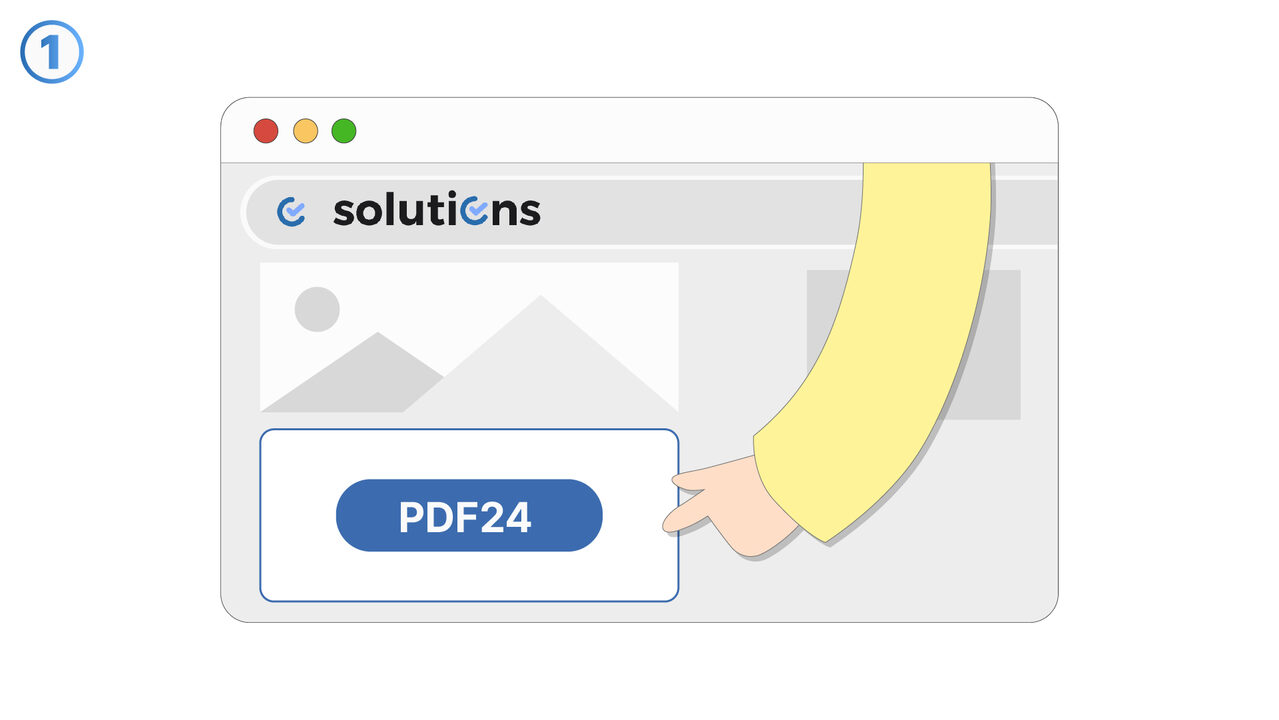
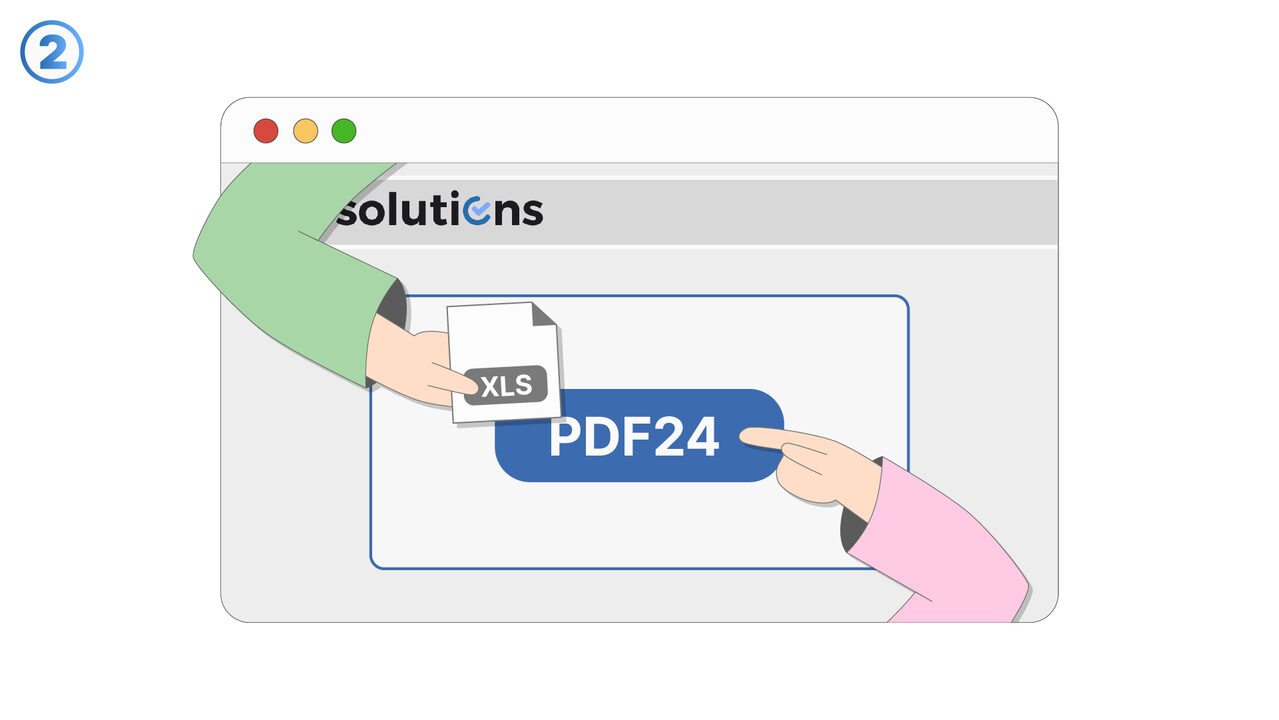
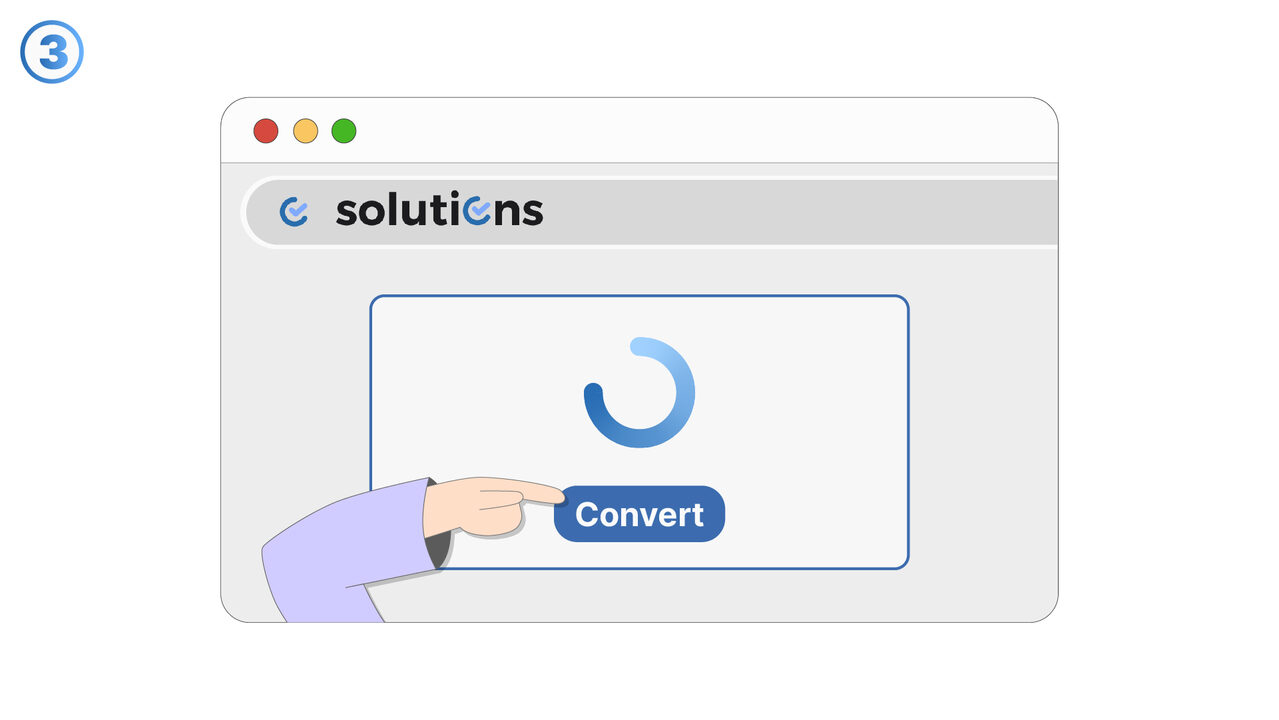
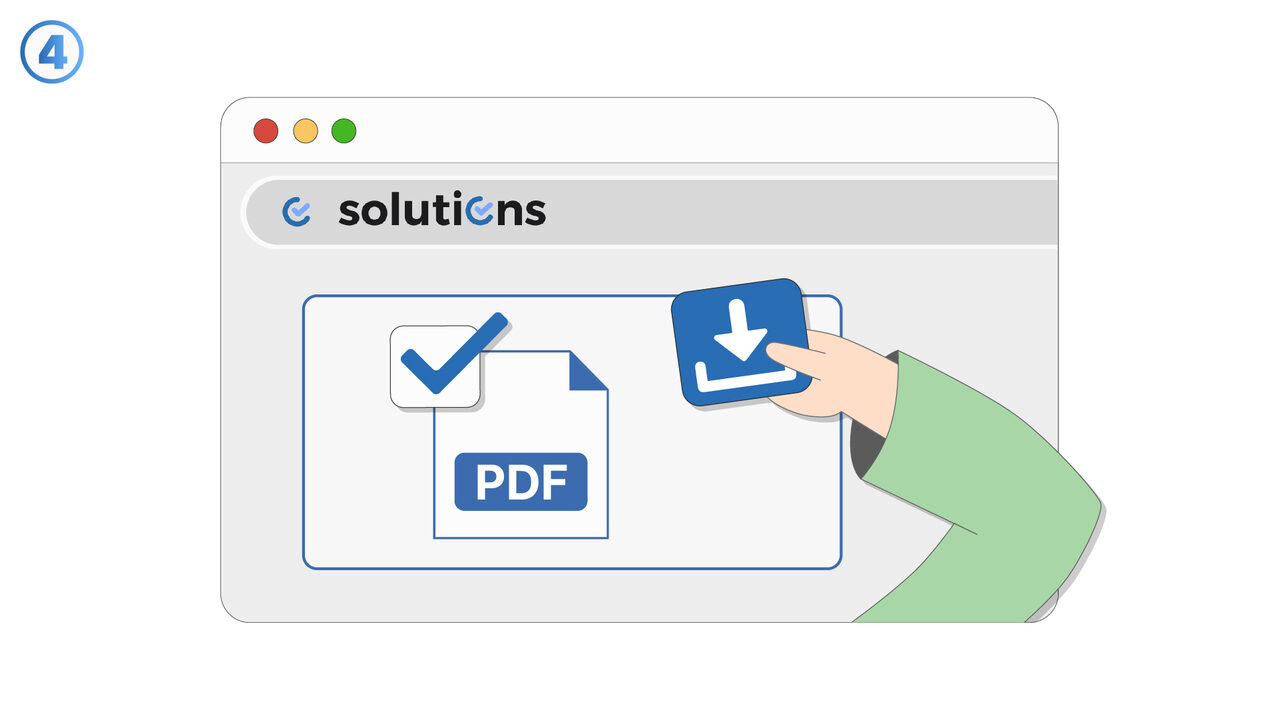
Penyelesaian
Formatting issues can appear when an Excel file is shared and opened in different environments, such as varying Excel versions, operating systems, or third-party spreadsheet apps. This feature is designed to help identify common sources of formatting changes and apply practices that keep layouts, fonts, and cell styles consistent. It supports reliable sharing of reports, templates, and data-entry sheets where formatting conveys meaning. Users can validate how a workbook will look for others and reduce surprises like shifted columns, missing fonts, altered number formats, or broken conditional formatting. The feature is useful for teams that collaborate across devices, including Windows, macOS, and web-based viewers. It also helps maintain print-ready layouts by reducing changes to page setup, margins, and scaling. For organizations using standardized templates, it improves adherence to brand and reporting standards. It is especially valuable when files are exchanged with external partners who may open them in different tools. Overall, it reduces rework, improves readability, and keeps shared spreadsheets presentation-ready.
Sumber luar
https://tools.pdf24.org/en/excel-to-pdf
Gunakan alat ini sebagai penyelesaian kepada masalah berikut
- Recipient doesn't have Excel
- Security issues with Excel files
- High incompatibility of Excel across different devices
- Printing issues with Excel files
- Excessive disk space consumption by Excel files
- Unauthorized changes to Excel files
- Inability to lock content in Excel documents
- Insufficient portability due to Excel files
- Risk of losing data in Excel format
Tahu penyelesaian yang lebih baik? Beritahu kami.
Jika anda mengetahui alat atau pendekatan yang boleh membantu orang menyelesaikan masalah yang belum kami liputi, kami ingin mendengarnya.