Problem
This feature helps identify and manage security risks associated with Excel files. It supports safer handling of spreadsheets by highlighting common threat vectors and guiding users toward secure usage.
Snimke zaslona
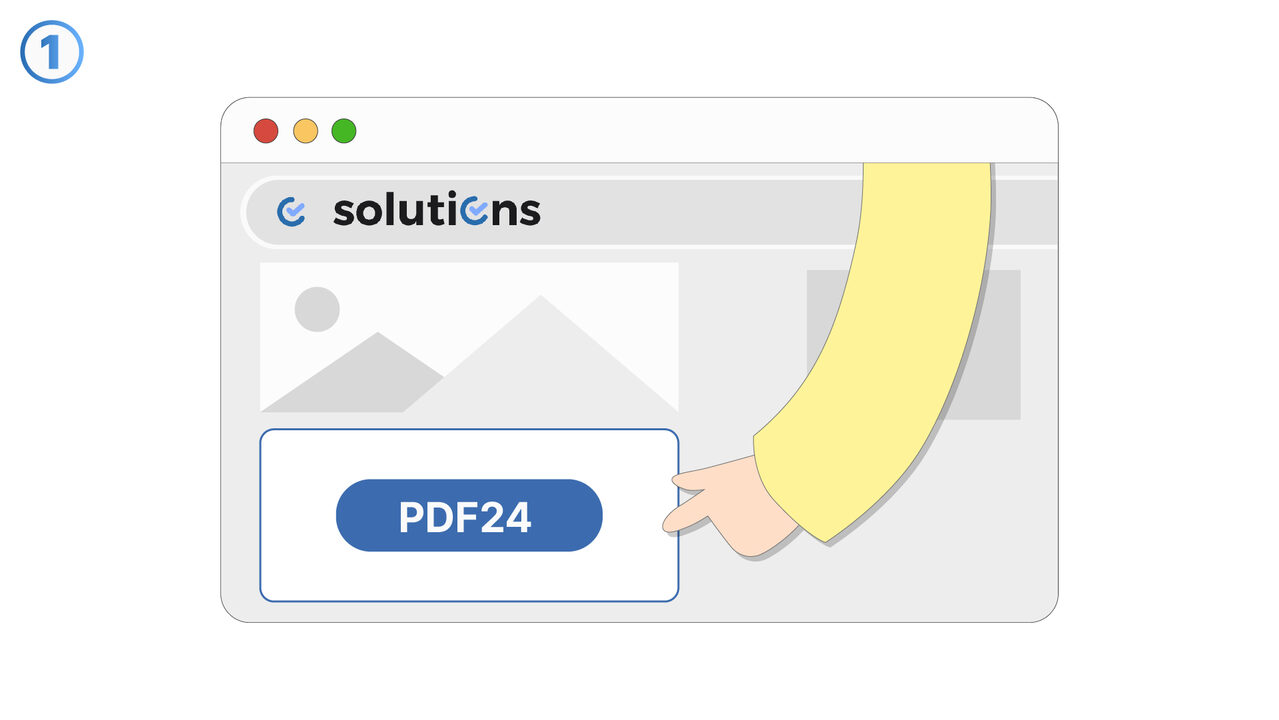
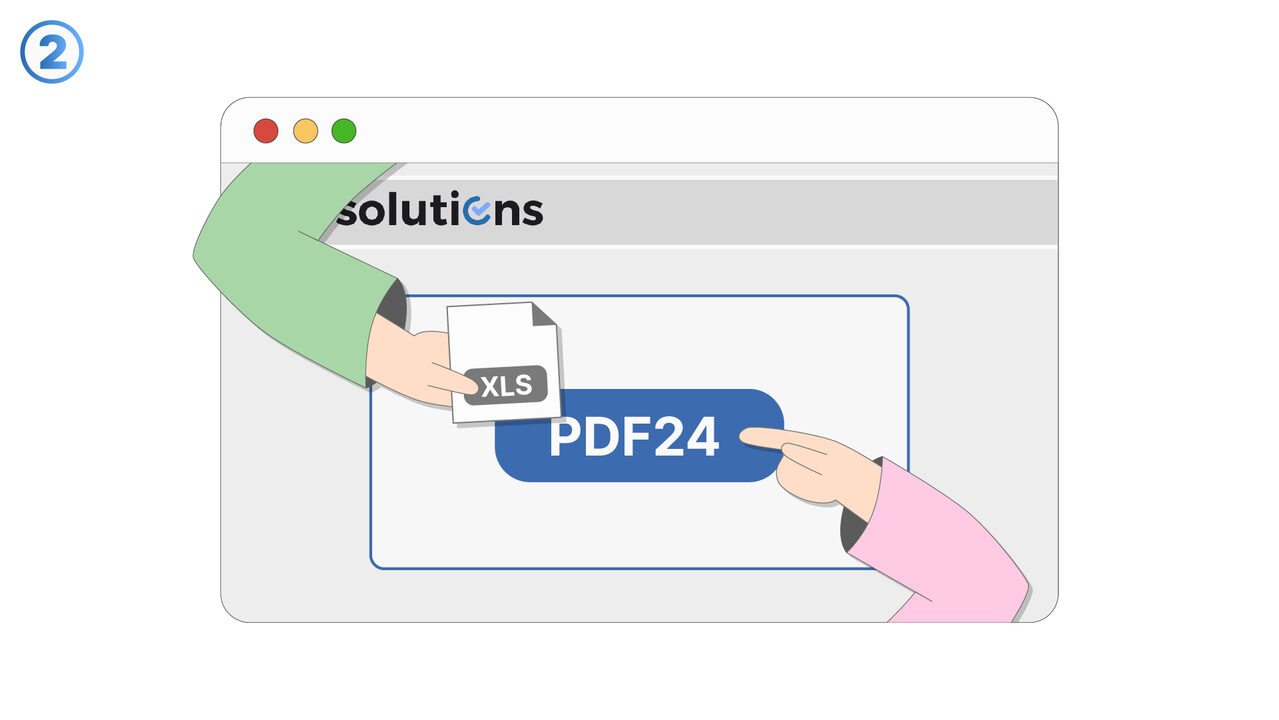
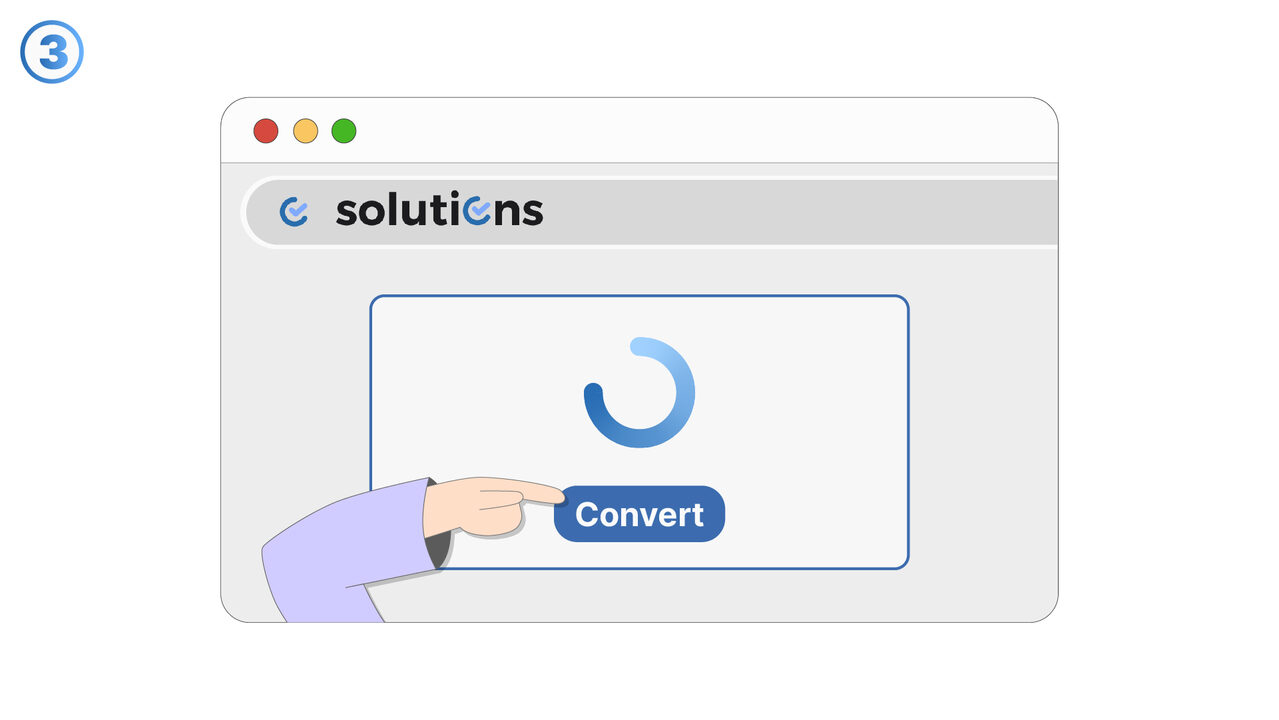
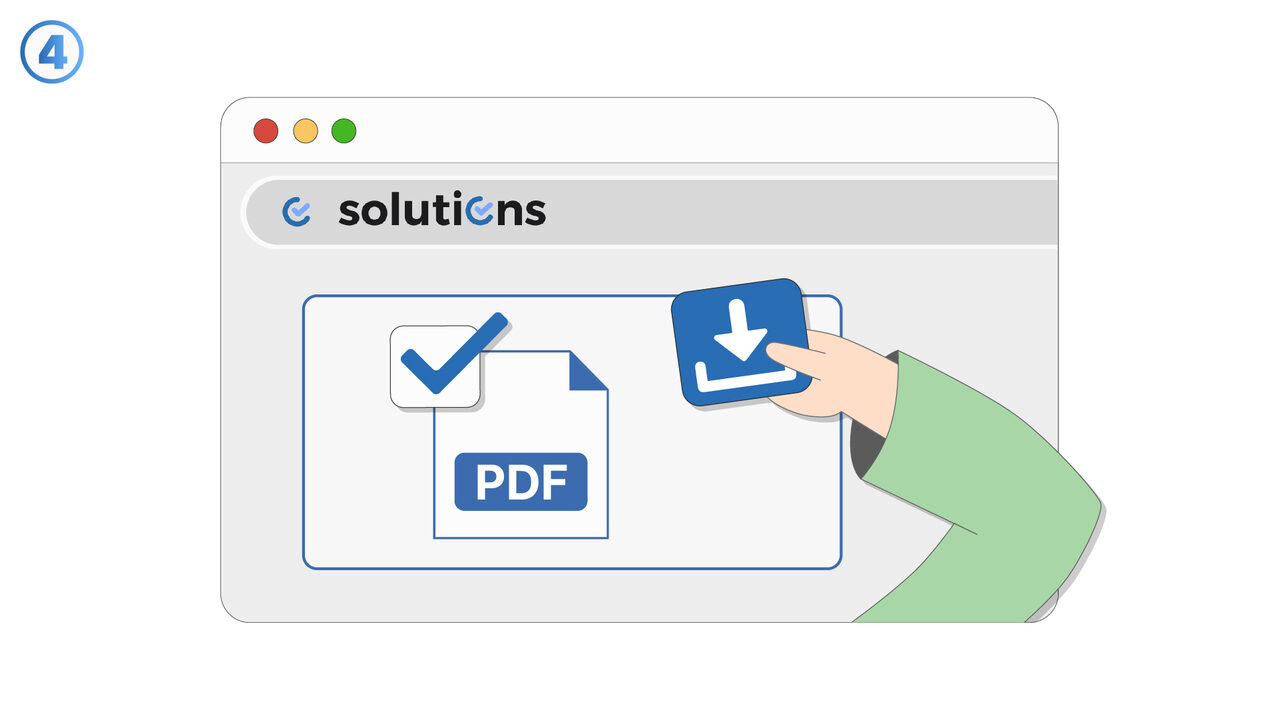
Rješenje
Security issues with Excel files focuses on reducing the risk of malicious or unsafe spreadsheet content. The feature is intended to help users recognize security-relevant elements commonly found in Excel workbooks, such as embedded macros, external links, and hidden content. It supports reviewing files before opening or distributing them, especially when they originate from unknown or untrusted sources. Users can use it as part of routine document intake, internal sharing, and compliance workflows where spreadsheets frequently move between teams. The main benefit is improved confidence that Excel files are handled in a way that minimizes exposure to malware, data leakage, or unintended execution of automated content. It is useful for individuals who regularly receive spreadsheets via email, shared drives, or third-party portals. It also supports teams that exchange financial models, reports, or operational trackers where sensitive data may be present. By bringing attention to security concerns early, it helps prevent accidental exposure and reduces time spent investigating suspicious files after the fact.
Vanjski izvor
https://tools.pdf24.org/en/excel-to-pdf
Koristite ovaj alat kao rješenje za sljedeće probleme
- Recipient doesn't have Excel
- Formatting issues when sharing Excel files
- High incompatibility of Excel across different devices
- Printing issues with Excel files
- Excessive disk space consumption by Excel files
- Unauthorized changes to Excel files
- Inability to lock content in Excel documents
- Insufficient portability due to Excel files
- Risk of losing data in Excel format
Znate li bolje rješenje? Javite nam.
Ako znate alat ili pristup koji bi mogao pomoći u rješavanju problema koji još nismo pokrili, rado bismo čuli o tome.