The Problem
This feature helps users diagnose and resolve common printing issues specific to Excel files. It streamlines troubleshooting so spreadsheets print correctly with the expected layout, scaling, and content visibility.
Screenshots
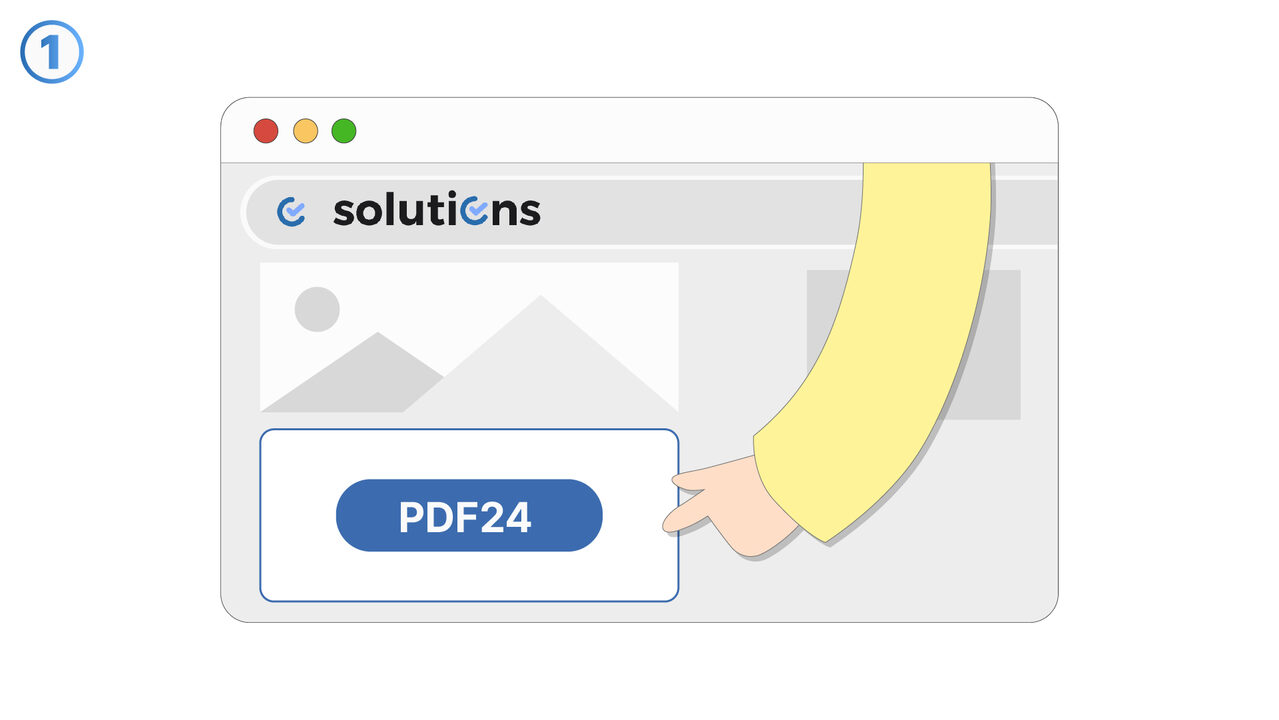
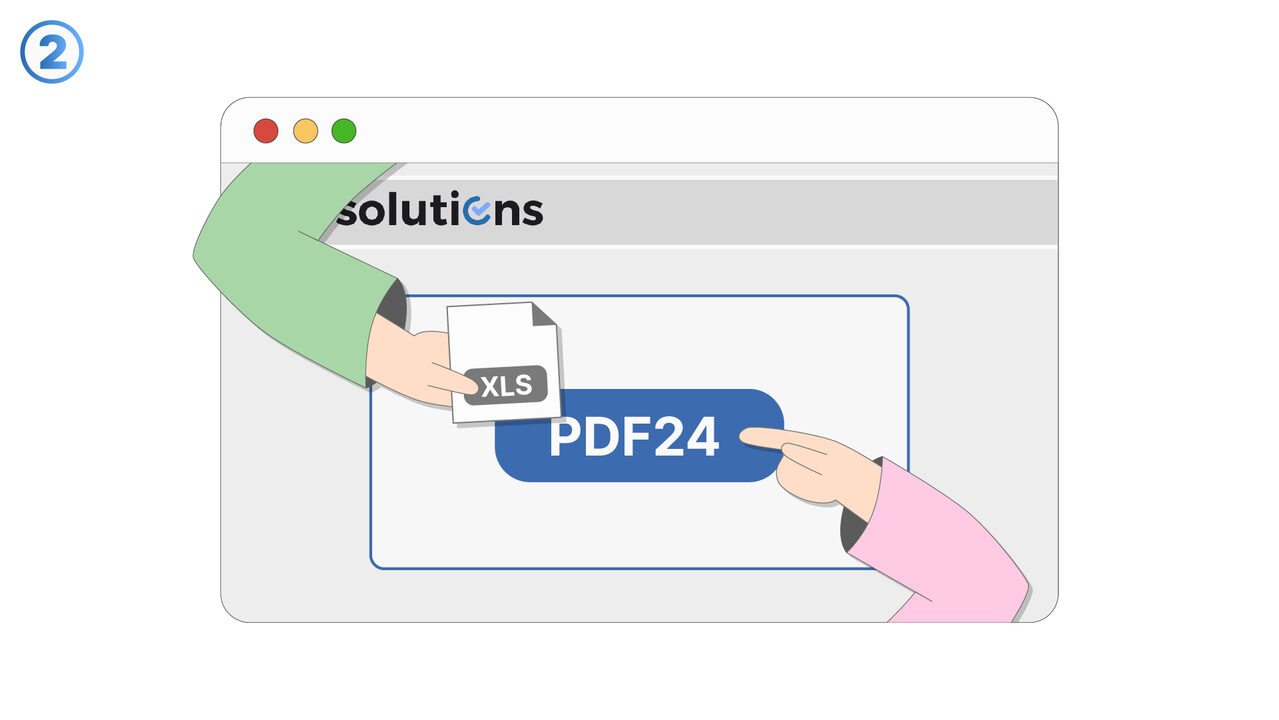
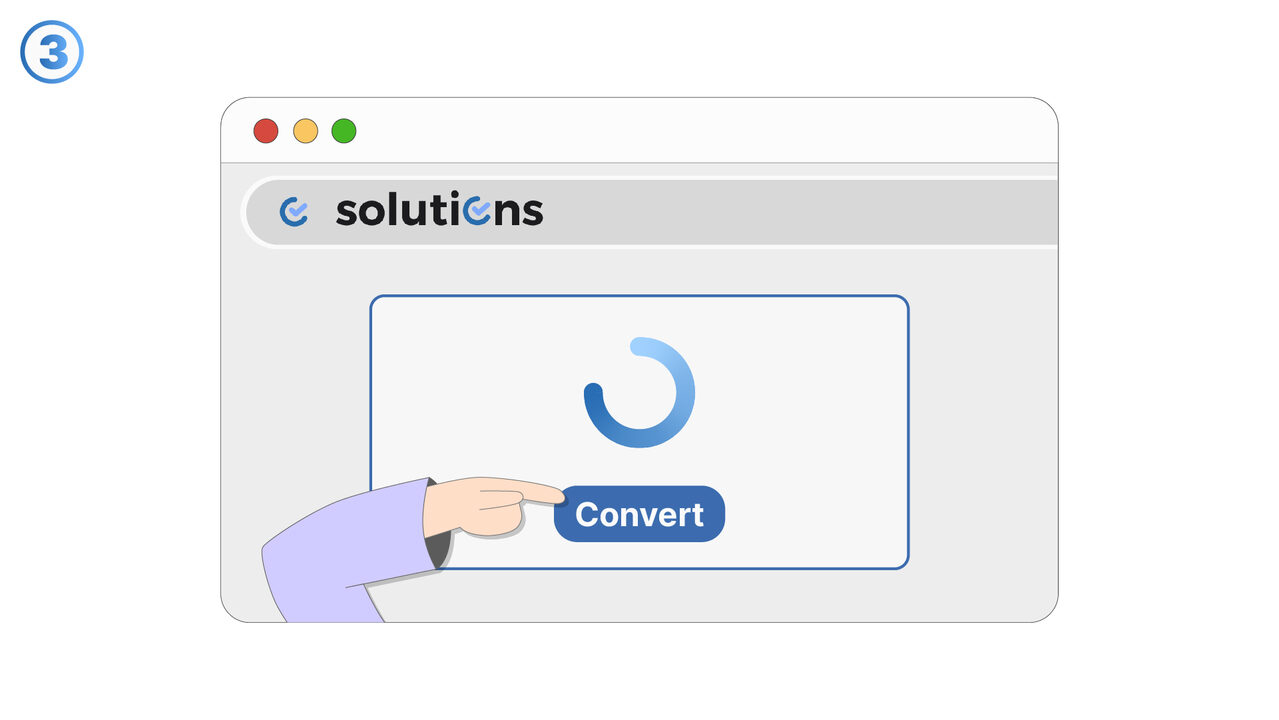
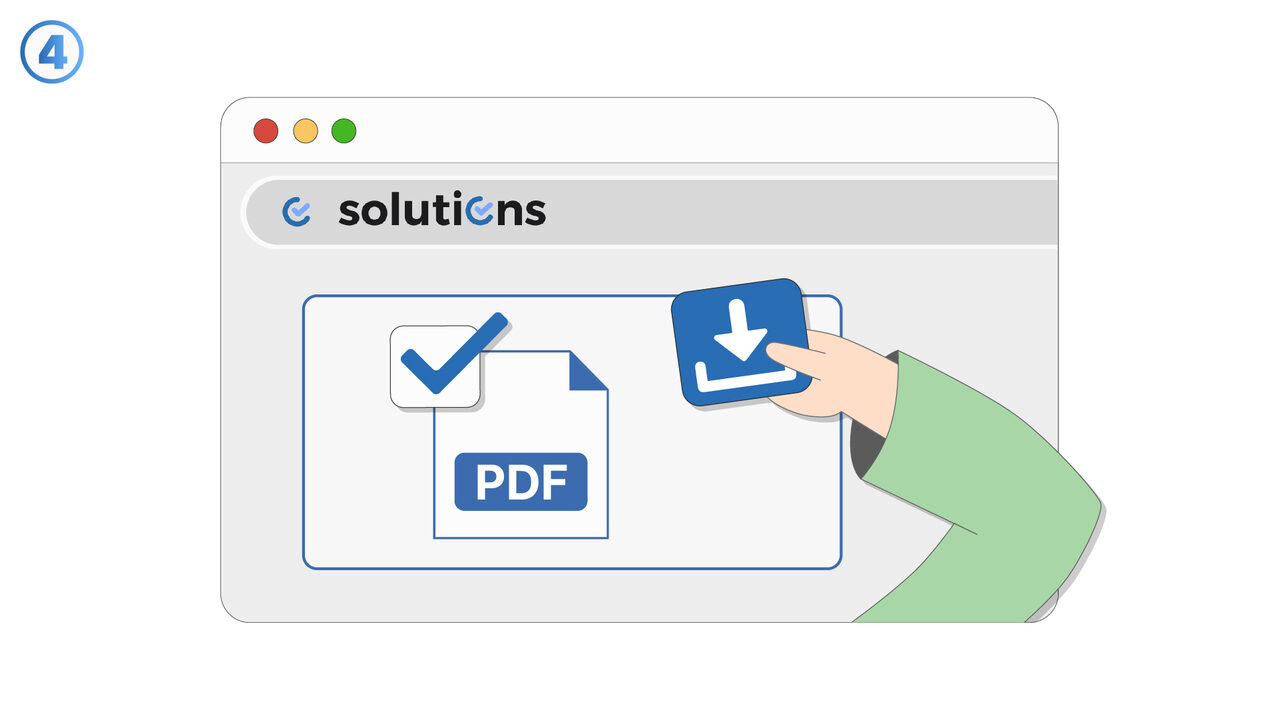
The Solution
Printing issues with Excel files focuses on identifying the most common reasons spreadsheets do not print as expected and guiding users to a correct output. It supports troubleshooting for layout and formatting problems such as missing columns, clipped rows, and unexpected page breaks. The feature helps users verify print settings like orientation, paper size, margins, and scaling to ensure the printed result matches the on-screen worksheet. It also addresses scenarios where headers, footers, or gridlines appear incorrectly or inconsistently across pages. Users can use it when print previews differ from the final printout or when the spreadsheet prints blank or partially blank. The guidance is relevant for both simple worksheets and multi-sheet workbooks that require consistent print configuration. It is especially useful when sharing Excel files across devices or printers where defaults may differ. By standardizing checks and recommended adjustments, the feature reduces wasted paper, reprints, and time spent trial-and-error troubleshooting.
External Resource
https://tools.pdf24.org/en/excel-to-pdf
Use this tool as a solution to the following problems
- Recipient doesn't have Excel
- Formatting issues when sharing Excel files
- Security issues with Excel files
- High incompatibility of Excel across different devices
- Excessive disk space consumption by Excel files
- Unauthorized changes to Excel files
- Inability to lock content in Excel documents
- Insufficient portability due to Excel files
- Risk of losing data in Excel format
Know a better solution? Let us know.
If you know of a tool or approach that could help people solve a problem we haven't covered yet, we'd love to hear about it.